Last updated
Get Indie Game Studio Kit ($19)How to Make a Bigger Game Alone, with AI Agents as Your Team
A solo game developer does every job in the studio: design, code, writing, sound, balance and testing. AI tools can now take a first pass at several of those jobs. They work best as pair programmers with one clear role each, not as a robot that ships the game for you. This page shows how to set that up by hand first.
Why is a bigger game so hard to make alone?
A bigger game is hard to make alone because a game is many jobs, and a solo developer can only do one at a time. While you write code, nobody writes dialogue. While you balance the shop, nobody tests the last build. The project grows, but your hours do not.
Here is where solo projects usually stall:
- Every character sounds like you. The dialogue reads like programmer dialogue, because a programmer wrote it.
- Balance is guesswork. You tune the shop economy in a spreadsheet late at night and guess every number.
- Help does not stick. You post "looking for a writer, rev share" and the replies fade away.
- The devlog goes quiet. Marketing is one more job, so it is the first one dropped.
AI agents do not remove these jobs. They give you a first draft for each one, so you spend your time judging and fixing rather than starting from a blank page.
How to set up AI agents for solo game development, step by step
You can set up AI helpers for each studio role by hand with Claude Code and a few text files. Each helper gets one job, clear rules and your engine version. Doing this yourself once teaches you what a good agent needs.
- Write a one-page game design document. List the core loop, which is the action the player repeats most, plus the main characters and the target platform. Every agent will read this page, so keep it short and current.
- List the roles you are missing. Most solo devs lack a writer, a tester, a balance designer and a sound lead. Pick the two that hurt most. Do not set up ten roles on day one.
- Create one agent per role. In Claude Code, a subagent is a Markdown file in your project's
.claude/agents/folder. It has a name, a description and its own instructions, and it runs in its own context. The Claude Code subagents docs show the file format. - Pin the engine and version. Tell the code agent which engine and version you use, such as Godot 4, and how you name scripts and nodes. Engines change between versions, and a wrong version means code that will not run.
- Review every answer like a pull request. Run the code in the editor. Read it before you keep it. Commit to git after each working change, so one bad answer is easy to undo.
- Give the writing agent a character sheet. For each character, write how they talk, what they want and three lines they would never say. Dialogue gets much less flat when the agent has a voice to copy.
- Model the economy before you ask for numbers. List every source (where coins come from) and every sink (where coins go). Ask the agent to explain its numbers, then test them in a real play session.
- Write a test checklist. Ask the testing agent to turn your design page into a list of things to try on each build. You still play the build, but now you play it with a list.
- Watch the cost from day one. Run
/usagein Claude Code to see your session usage. The Claude Code cost guide suggests Sonnet for most coding and a smaller model for simple helper tasks.
If you have never built a prototype, start with Godot's free Your first 2D game tutorial before any of this. For more agents and skills worth trying, see the best Claude Code skills for indie developers and where to find Claude Code skills.
AI tools for game art, 3D and animation
Most lists of AI game tools are about assets, not agents. Here are four that come up often, with what each vendor says it does. We have not tested them, so try the free tier on one asset first.
| Tool | What the vendor says it does |
|---|---|
| Ludo.ai | Sprites, icons, UI, textures, music, 3D and video, generated for your engine |
| Scenario | Many image, video, 3D and audio models in one place, for consistent sets like item icons and characters |
| Meshy | Turns a text prompt or a photo into a 3D model; has a free start |
| Cascadeur | Character animation with AI help; the free version bans commercial use |
If you ship on Steam, read the AI part of the Steamworks content survey first. It asks you to disclose AI-made content that ships in the game, and content made by AI while the game runs. Tools that only make you faster are not its focus.
The faster way: install 27 game dev agents for Claude Code
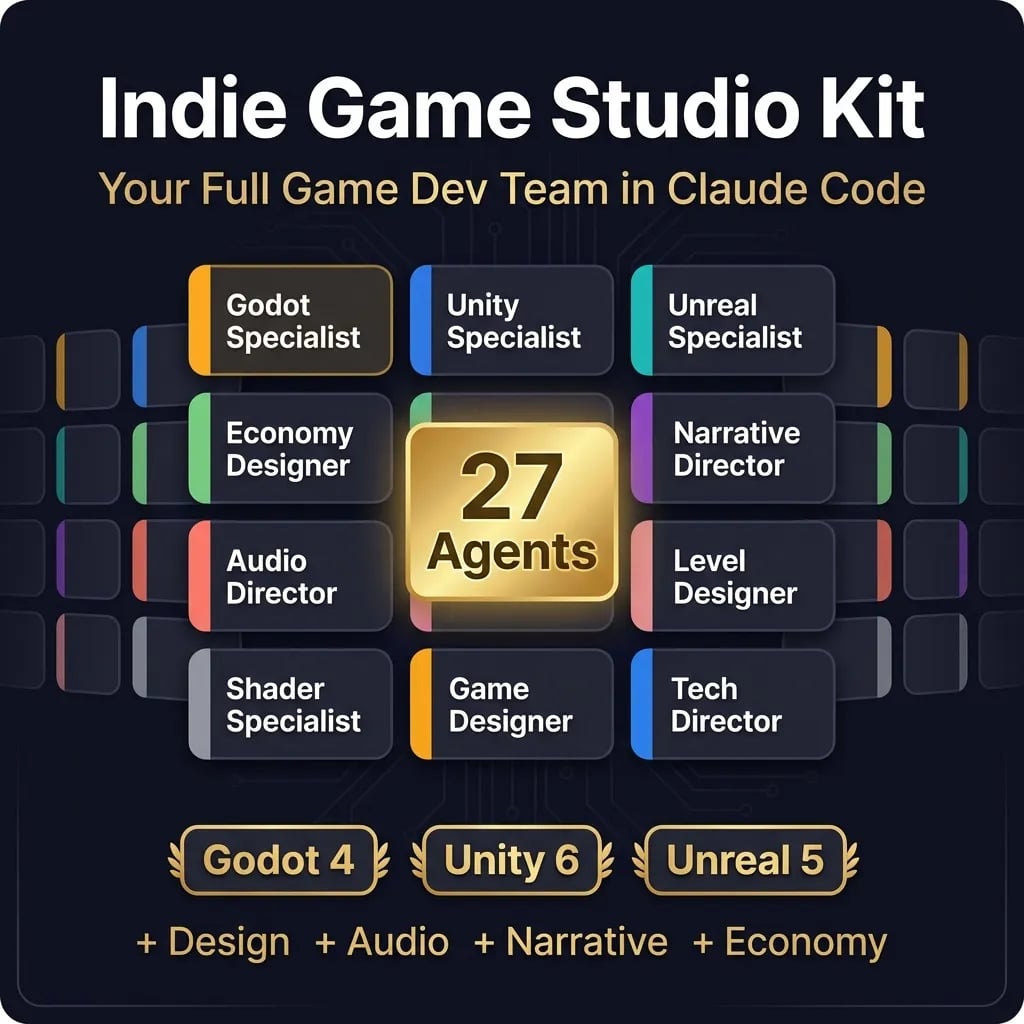
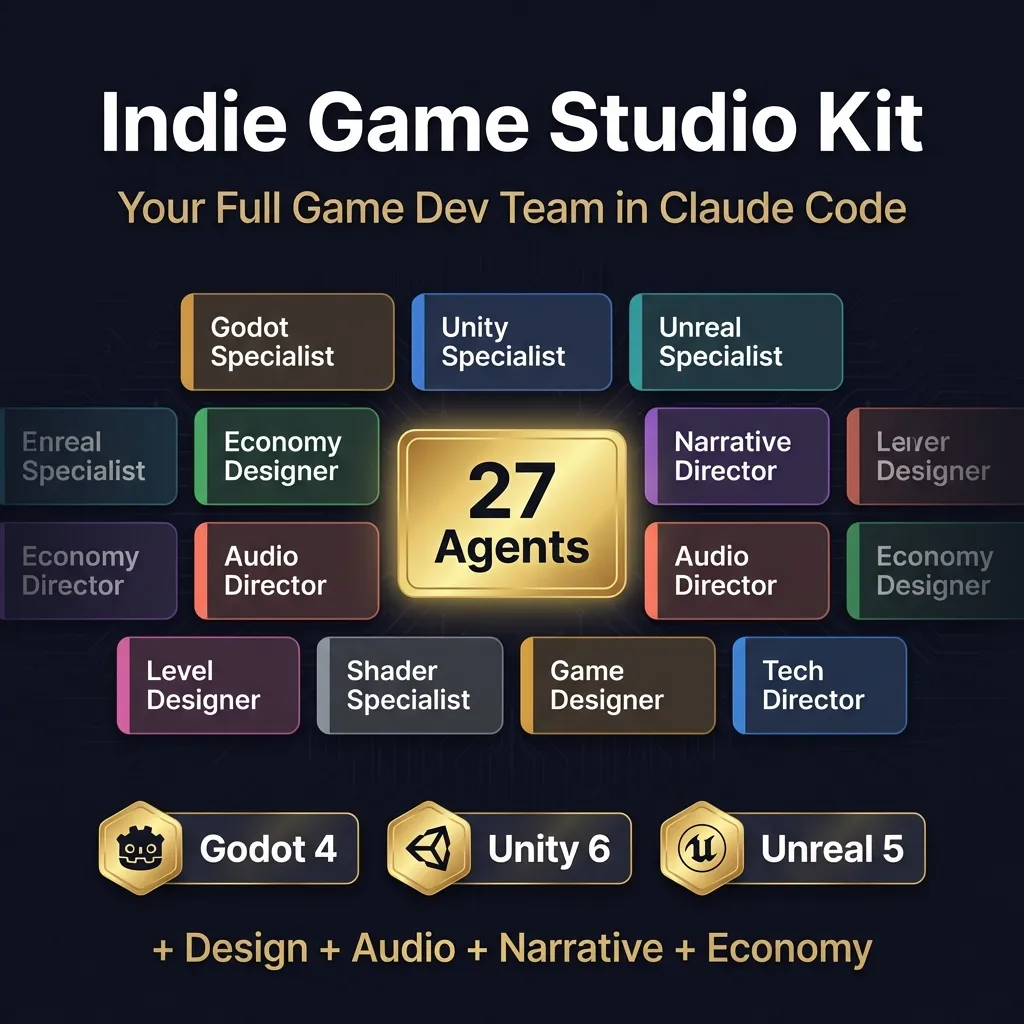
The faster way is to install agents that already know their roles and your engine, instead of writing and testing each file yourself. Indie Game Studio Kit is 27 of them: engine specialists for Godot, Unity and Unreal, plus a narrative director, an economy designer, an audio director and more.
The agent files follow one rule: they are pair programmers, not autopilots. The narrative director's file says it plainly: "You are a collaborative consultant, not an autonomous executor." Each agent asks questions, offers options and waits for your call. That keeps you in charge of the part only you can do, which is knowing what makes your game fun.
One gap to know before you buy. Some agents name teammates the kit does not include. The narrative director, for example, hands final dialogue to a writer agent, and there is no writer file in the folder. There is no QA tester either. In practice those jobs come back to you, or to an agent you write yourself with the steps above.
How to use it, step by step
- Buy and download. Polar or Gumroad sends the files right after payment.
- Install the agents. Copy the 27 files in the
agentsfolder into~/.claude/agents, or into your project's.claude/agentsfolder to keep them to one game. The layout is flat, with no skills folder to set up. If an agent never shows up, check where the file landed first. A skill of mine once sat for weeks in a folder Claude Code does not load, and it only started working after I moved it on September 8, 2026. - Add your design page. Put your one-page game design document where every agent can read it.
- Start with one role. For example, ask the narrative director to plan a scene: who is in it, what each character wants and how it moves the story. Then write the lines yourself, or ask a writing agent of your own.
- Bring in the engine specialist. Ask the Godot, Unity or Unreal agent for the script that runs the scene. Test it in the editor before you keep it.
- Check usage after the first week. Use
/usageto see what a normal week costs you, then switch simple roles to a cheaper model if you need to.
What the output looks like
The agents work in the same pattern, and it is written into each file. First the agent asks clarifying questions: the player experience you want, your limits, games you love or hate. Then it gives you two to four options, each with pros and cons and a recommendation. Only after you choose does it draft, one section at a time, and it asks before it writes a file:
Explicitly ask: "May I write this section to [filepath]?" Wait for "yes" before using Write/Edit tools.
What you end up with is a document you approved section by section: a story outline, a world rules page, an economy plan with its sources and sinks, or a script for your engine. The narrative director, for example, must give each world element a one-line summary, its rules, its history, its links to other elements and a check that it does not contradict existing lore. Because the agents read the same design page, they talk about the same characters.
How much it costs to run
I have not measured a month of running these agents, so I will not give you a monthly figure. Your cost depends on how often you run them and on how you pay. On a Claude Pro or Max plan, use counts against the plan instead of a per-token bill. My own scheduled Claude Code jobs run under my normal subscription, with no separate API key. On the API, run /usage after your first week and you will see the real number.
For reference, Anthropic's Claude Code cost page puts average enterprise use at about $13 per developer per active day, or $150 to $250 a month. That is a full-time developer at work. A solo project a few evenings a week is a different pattern, so trust your own /usage number over any average.
// what it looks like
Inside Indie Game Studio Kit
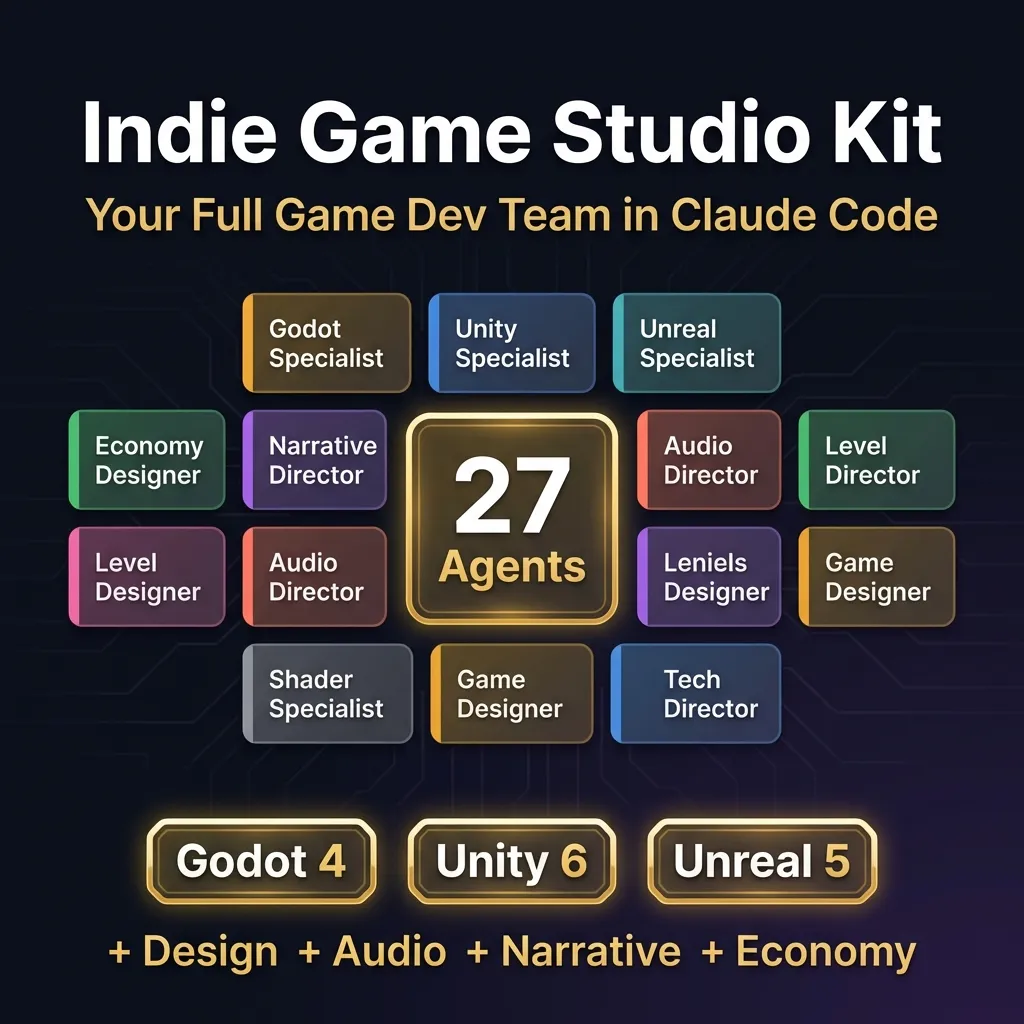
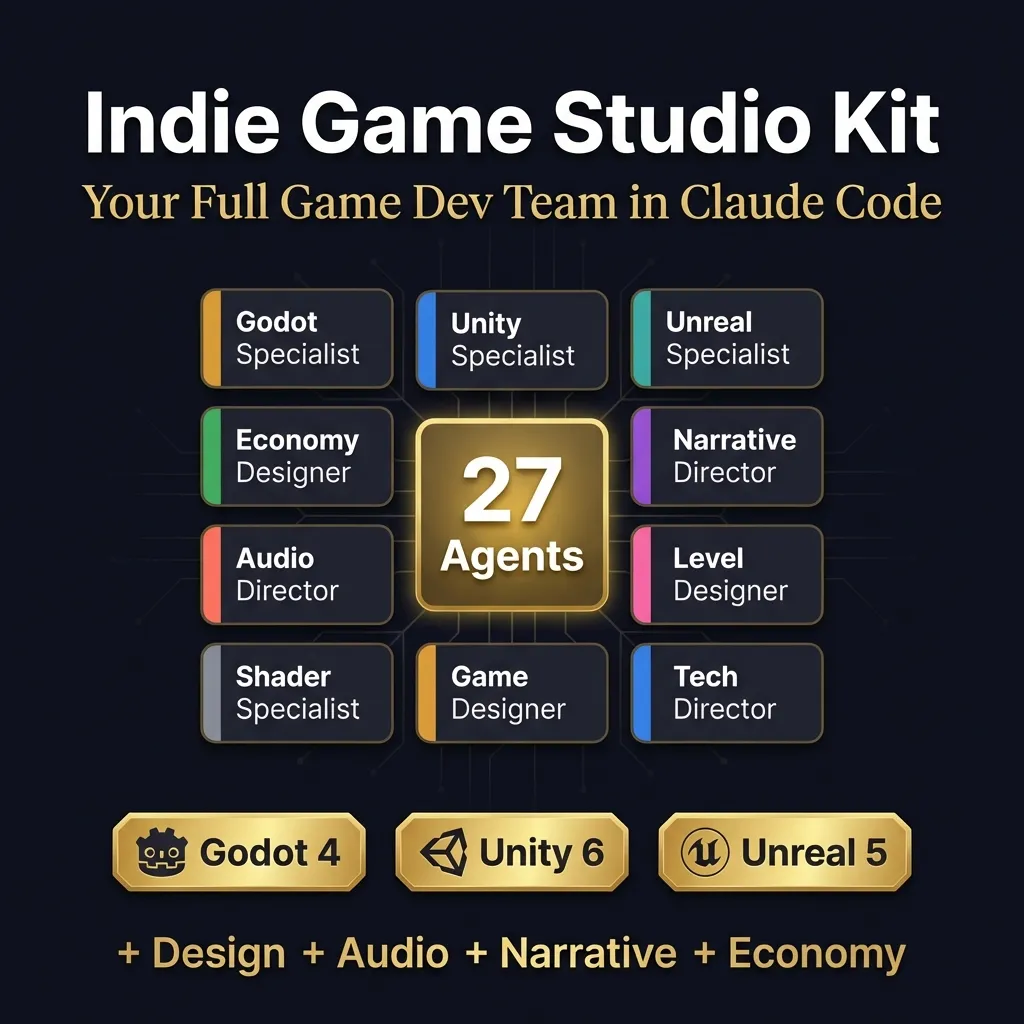
Want the specialist agents without writing 27 rule files yourself? Indie Game Studio Kit has them ready for Claude Code.
Get Indie Game Studio Kit, $19 one-time// side by side
By hand vs a generic AI prompt vs Indie Game Studio Kit
The jobs are the same in all three columns: engine code, writing, balance, sound and testing. What changes is how much setup you do, and whether each helper knows its role and your engine.
| Criterion | By hand | Generic AI prompt | Indie Game Studio Kit |
|---|---|---|---|
| Engine knowledge | Your own, plus docs and forums | General; may mix up engine versions | Specialist agents for Godot 4, Unity and Unreal 5 |
| Story and characters | You write it, and it sounds like you | Fluent but flat; forgets your characters | A narrative director and a world builder; final lines stay yours |
| Economy balance | A spreadsheet and a lot of guessing | Numbers with no model behind them | An economy designer that works through sources and sinks with you |
| Setup | Write and test each agent file yourself | None, but you repeat the context every chat | Copy 27 files into one folder |
| Who reviews the work | You | You | You; agents are pair programmers, not autopilots |
| Cost | Free, plus your hours | Your existing AI plan | $19 once, plus your Claude plan or API usage |
// in the download
What is inside Indie Game Studio Kit
Indie Game Studio Kit is 27 specialist agent files for Claude Code that cover many of the roles a small studio would hire for, with separate specialists for Godot, Unity and Unreal.
- 27 specialist agent files for Claude Code in one flat agents folder
- 14 engine specialists: 4 for Godot 4, 5 for Unity 6 and 5 for Unreal Engine 5
- Design roles: game designer, economy designer, level designer, world builder and UX designer
- Creative roles: narrative director, audio director and sound designer
- Technical roles: gameplay, engine and UI programmers, technical artist and technical director
- A model already set in each file: 25 on Sonnet, the technical director on Opus, the sound designer on Haiku
- A README with example prompts and a step-by-step order for running several agents on one feature
What you do not get
- No dialogue writer or QA tester agent. Some agents mention a writer, an art director or a producer the kit does not ship; that work comes back to you.
- No game, template project or assets. The agents advise and draft; you build in your own engine.
- No Claude access. You need your own Claude plan or API key.
- No cost-saving setup beyond the model line in each file.
Who Indie Game Studio Kit is for, and who should skip it
This fits solo developers who can already build a prototype and are short on hands. It does not fit beginners who have never finished a tutorial, or anyone who wants agents to ship a game alone.
It is for you if
- You can code the game, but every character sounds exactly like you.
- You have a prototype that needs testing, audio and balance, and one pair of hands.
- You shipped a small game alone and the next one is too big to repeat that.
- You priced freelance writers and composers and quietly closed the tab.
It is not for you if
- You have never built a prototype. Start with a free engine tutorial, then come back.
- You want agents that ship a game on their own. These are pair programmers; you still review and integrate.
- You work on a team with a real designer, writer and tester. This kit stands in for the team you do not have.
// frequently asked
Questions buyers ask
- What are the best AI tools for solo game developers?
- The best AI tools for solo game developers are the ones that fill a missing role: code help that knows your engine, a writing partner that remembers your characters and a tester that follows a checklist. A coding agent like Claude Code covers all three if you give each role clear written rules.
- Can AI make a whole game for me?
- No, not a game worth shipping. AI agents can draft code, dialogue, numbers and test plans, but someone has to decide what the game is, judge whether it is fun and fix what does not fit. That person is you. Treat agents as fast junior helpers whose work you always review.
- Do I need coding skills to use Indie Game Studio Kit?
- Yes, some. The kit assumes you can open your engine's editor, follow a tutorial and read the code an agent hands you. You also need to be comfortable typing commands into Claude Code in a terminal.
- Does it work with ChatGPT?
- The agents are built for Claude Code and run there. You could copy an agent's instructions into another chat tool by hand, but you would lose the shared project context and the handoffs between agents, which are the main point of the kit.
- Is it a one-time payment?
- Yes, Indie Game Studio Kit costs $19 once. There is no subscription for the kit. You do pay separately for Claude, either through a Claude plan or through API usage.
- Which game engines does it support?
- Godot 4, Unity 6 and Unreal Engine 5 each have dedicated specialist agents. The design, narrative, audio and economy agents do not depend on the engine. There is no testing agent, so build checks stay with you.
- How much will Claude usage cost per month?
- The cost depends on your plan and how often you run the agents. On a Claude Pro or Max plan, use counts against the plan instead of a per-token bill. On the API you pay per token, so long multi-agent sessions add up. Run /usage after your first week to see your real number.
- Do the agents write code that runs?
- The engine agents write GDScript, C# and C++ for you to test in the editor. Treat every answer like a pull request from a new teammate: run it, read it and only then merge it. Nothing an agent writes should go into your game unreviewed.
- Which AI model is best for game development code?
- There is no single best model. Anthropic's cost guide suggests Sonnet for most coding and a smaller model for simple tasks. The kit follows that: 25 agents use Sonnet, the technical director uses Opus and the sound designer uses Haiku.
Get Indie Game Studio Kit
Indie Game Studio Kit costs $19 as a one-time payment. You get an instant download, lifetime access to every v1 update, and no subscription.
// next problem
Related problems
- Why your AI coding assistant keeps breaking working code
Add a plan, test and review loop under your agents so game code does not regress.
- How to turn devlog clips into YouTube Shorts
When the game is moving and the devlog is three months stale, this automates the short videos.
// Also on this topic
- guideScared of the terminal? Here is why one wrong key won't break your computer
The black window looks like one typo could break things. It can't. What the terminal is, the four errors most people hit, and a safe first session.
- guideClaude Code vs the Claude chat window: which one should you use for your business?
The chat window talks. Claude Code works on your files. A side-by-side table, which jobs suit each one, and how to choose for a small business.
- free toolllms.txt generator
A spec-valid llms.txt built in the browser, validated as you type.
- bookClaude Code for Non-Programmers
A Business Owner's Guide to Building Your Own AI Operating System (2027 Edition)