Last updated
Get CodeForge ($19)Why Your AI Coding Assistant Keeps Breaking Working Code
An AI coding assistant breaks working code when it changes too much at once and nothing checks the result. You ask for one fix, accept a large diff and find two new bugs an hour later. The cure is not a smarter model. It is a workflow: a plan first, small steps, a test before each change and a review before anything counts as done.
Why does an AI coding assistant break code that already worked?
An AI coding assistant breaks working code because it changes more than the task needs, and nothing checks the result before you accept it. It reads part of your project, guesses the rest and stops when the code looks done. Looking done and being done are not the same thing.
Here is the loop most of us know:
- One fix, two new bugs. You ask for a small change. The diff touches six files. Something unrelated stops working.
- "Fixed" without proof. The assistant says the bug is gone. It never ran the code.
- Corrections pile up. You correct it, it gets worse, you correct again. The chat fills up with failed attempts.
- Context switching hurts. A hotfix lands, you stash your branch and lose your place.
It is not only the main assistant. On July 9, 2026, I gave a review agent one clear rule: read only, do not edit. It ran git stash on its own while my main session was still editing. When the stash came back, my whole working folder jumped back in time, and for a while I had no idea who had reset it. The rule was only in the prompt; nothing enforced it.
The problem is not the model. It is a workflow with no brakes.
How to stop an AI assistant from breaking code, step by step
You stop an AI assistant from breaking code by adding brakes: a saved checkpoint, a plan, small steps, tests first and a review at the end. Each step below works today with free tools and any AI coding assistant.
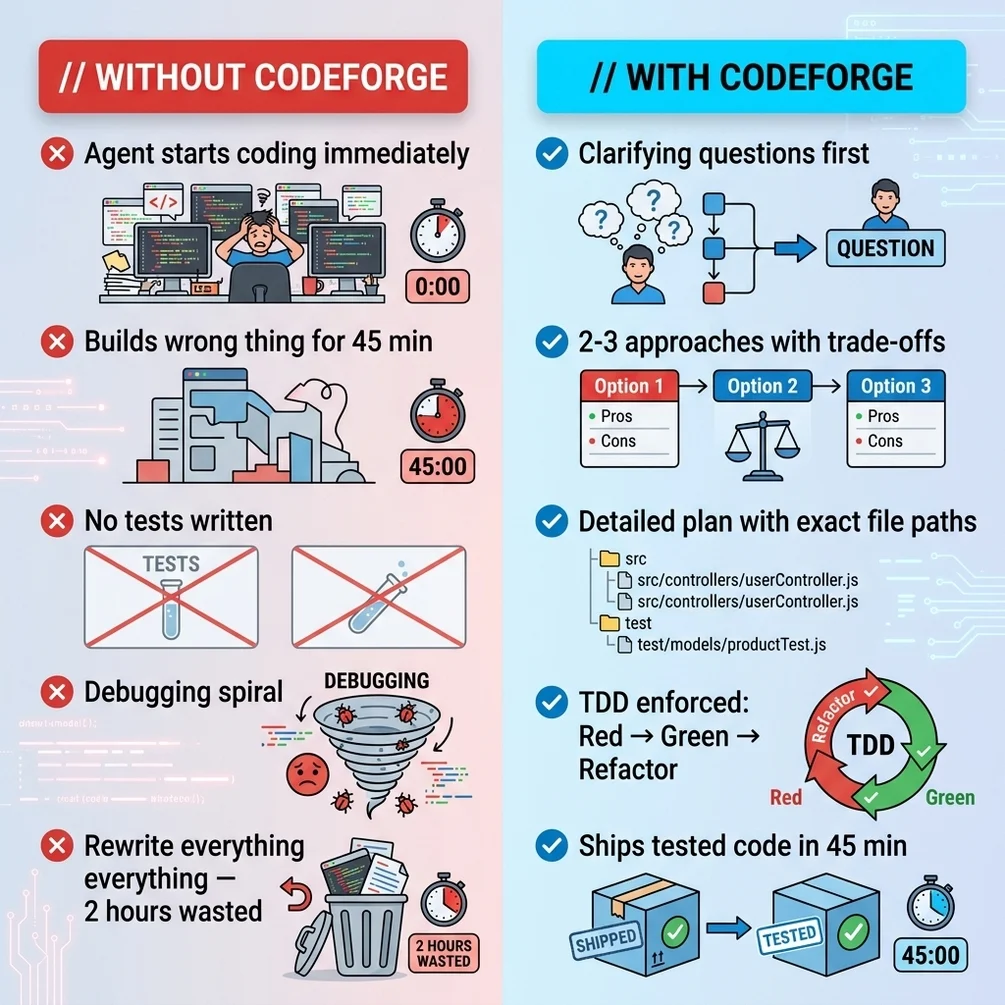
- Save a clean checkpoint first. Commit your work before you ask for any change. If the change goes wrong, one command takes you back.
- Ask for a plan, not code. Make the assistant read the relevant files and write a plan before it edits anything. In Claude Code, plan mode does exactly this: it reads and proposes without changing files. Edit the plan until it matches what you want.
- Have someone attack the plan. A second agent, or a friend, reads the plan and looks for wrong guesses. This is the cheapest place to catch a mistake, because no code exists yet.
- Cut the plan into small steps. One step should change one behavior. If you cannot describe the step in one sentence, it is too big.
- Write a failing test first. This is called test-driven development, or TDD. You write a test for the next small piece, watch it fail (red), write just enough code to pass it (green), then tidy up (refactor). Martin Fowler's short guide to test-driven development explains the cycle well.
- Run the whole test suite after every step. A test suite is the full set of tests for your project. Running all of it, not only the new test, is what catches the bug in the file the assistant should not have touched.
- Use a worktree for parallel work. A worktree is a second folder linked to the same repository, on its own branch. Run
git worktree add ../hotfix -b hotfixand fix the urgent bug there while your feature branch stays open. The git worktree docs cover add, list and remove. - Review the diff yourself before "done". Ask the assistant for evidence: the test output and the commands it ran. Then read the diff. Anything outside the task's scope goes back.
- Start fresh after two failed corrections. The Claude Code docs give this advice too. Clear the chat and write a better first prompt that includes what you learned.
I compared the skills that help most with this in the best Claude Code skills for indie developers. If a skill you installed never seems to run, why Claude Code skills do not trigger covers the usual causes.
Tell the assistant what "broken" means
"It is still broken" gives the model almost nothing to work with. Anthropic's Claude Code best practices say to describe the symptom, the likely place and what fixed looks like. Paste the exact error. Name the file. Ask for a failing test that shows the bug before the fix.
Also say what must keep working, such as "the login tests must still pass". Put rules that apply to every task, like your test command, in a CLAUDE.md file, which Claude Code reads at the start of each session. The same guide warns that a long chat fills the context window, and the model then starts to forget earlier instructions.
The faster way: install CodeForge and let the workflow run itself
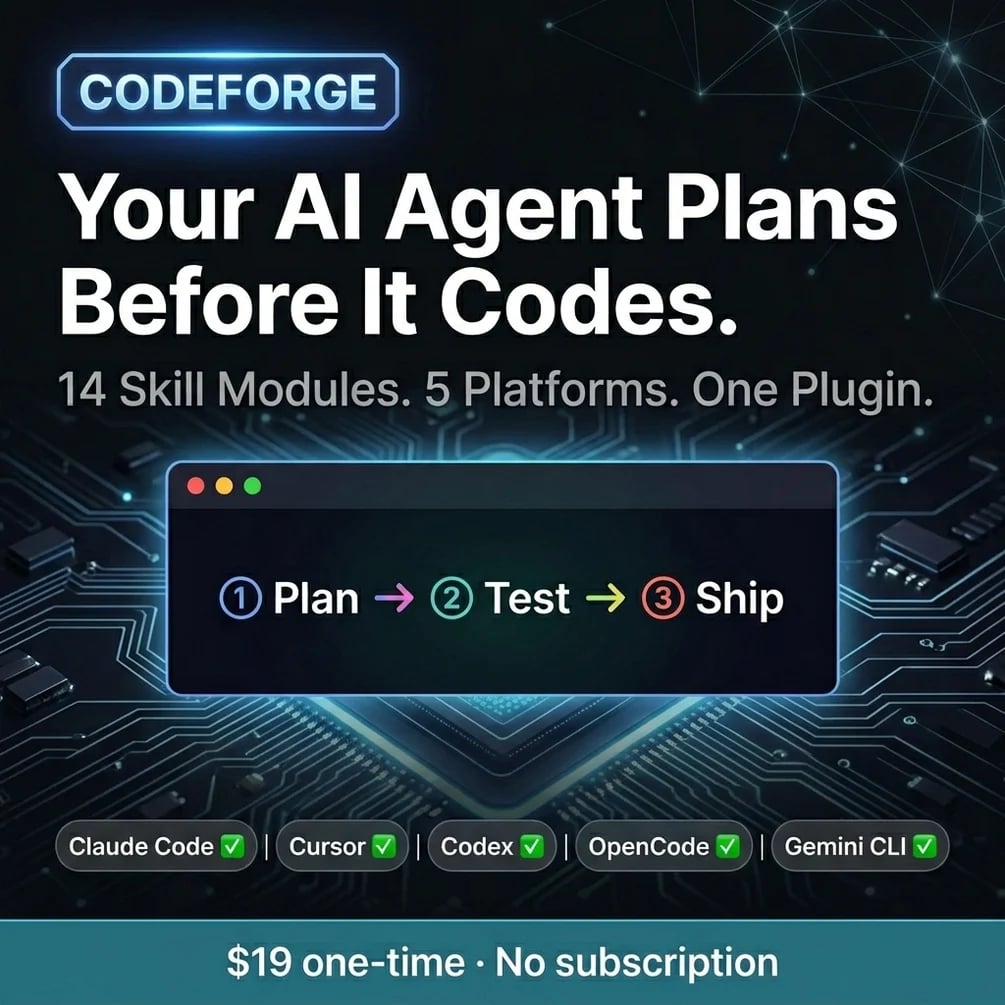
The faster way is to install the workflow once as skills, so the assistant follows it every time without you asking. A skill is a saved set of instructions that Claude Code loads when a task matches it. CodeForge is 14 of those, covering brainstorming, plans, TDD, code review, debugging, verification and git worktrees.
I run this same loop on my own sites every day. To be clear, I run it with my own agents, not with CodeForge itself, so read these numbers as proof that the loop works, not as a test of the package. Between September 21 and October 20, 2026, a review agent ran 165 times across 16 of my projects. The median run took 2 minutes 38 seconds. Of the 46 runs that reviewed a plan before any code existed, 41 found at least one blocking problem. A final check step ran 19 times in the same month, with a median of 2 minutes 54 seconds.
Those 41 plan reviews are why I trust the loop. Each one flagged a problem while fixing it still meant editing a text file, not undoing a merged change.
How to use it, step by step
- Buy and download. Polar or Gumroad sends the files right after payment. Unzip them anywhere.
- Install the plugin. In Claude Code, run
/plugin marketplace addwith the path to the unzipped folder, then/plugin install codeforge@codeforge-dev. This is the route in Anthropic's plugin install guide, and it installs the skills and hooks together. The README in the package still shows acpcommand into the plugins folder; skip it. I once installed a plugin by hand, its folder shortcuts were never filled in, and I fixed each one myself. Now I always use the installer. - Other tools. Cursor, Codex, OpenCode and Gemini CLI each have their own adapter file and install note in the package. For Gemini CLI that is
gemini extensions installwith the folder path. - Start a feature with brainstorming. Describe the goal. The skill asks questions, then the plan skill writes a plan for you to approve.
- Build with the TDD skill. Each step goes red, then green, then refactor, and the suite runs after each one.
- Use a worktree for parallel branches. The worktree skill picks a folder, checks it and creates a second checkout for a hotfix or a second feature.
- Finish with review and verification. The review skill checks the diff against the plan, and the verification skill asks for fresh test output before the change counts as done.
What the output looks like
Each feature leaves the same trail. The plan skill saves a dated plan file under docs/codeforge/plans/, so you can open it a month later and see what was agreed. Then comes a list of small steps, a test for each step, passing test output and a review note. When something breaks later, you can see which step brought it in.
The review note is where the value shows. This one came from my own review agent on one of my sites on October 9, 2026, not from a CodeForge run, but CodeForge's review step writes the same kind of verdict:
All 27 profession ids and 7 blog slugs named in the link matrix also exist in data/professions.ts and data/blog.ts. Verdict: fix first. The design is sound, but three of the plan's assumptions are wrong.
That review took 1 minute 51 seconds. It found three wrong guesses in a plan before a single file changed.
How much time it saves
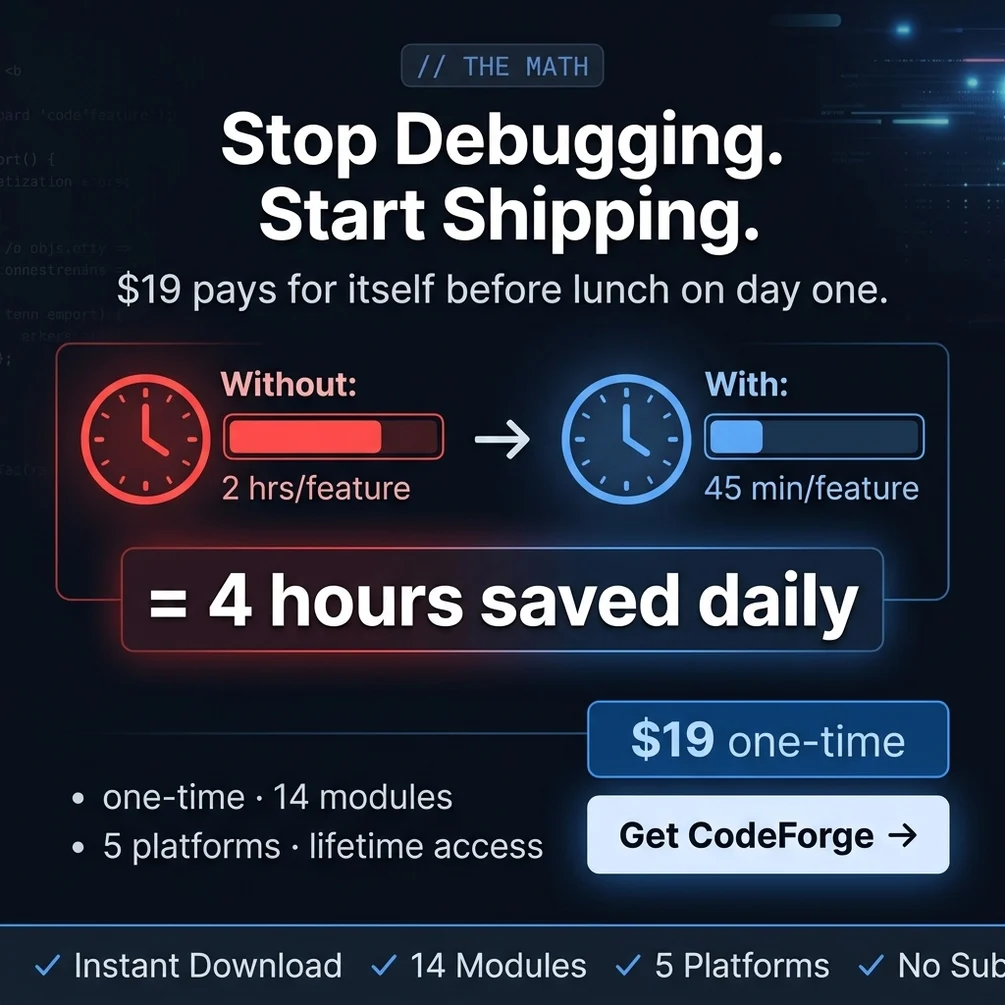
I never timed a feature with and without this loop, so I cannot give you an honest "hours before, hours after" number. What I can measure is the cost of the brakes themselves: a median of under three minutes per review and under three minutes per final check, across a month of real work.
The first features are slower, and that is expected. The saving shows up in the evenings you no longer spend reverting.
// what it looks like
Inside CodeForge

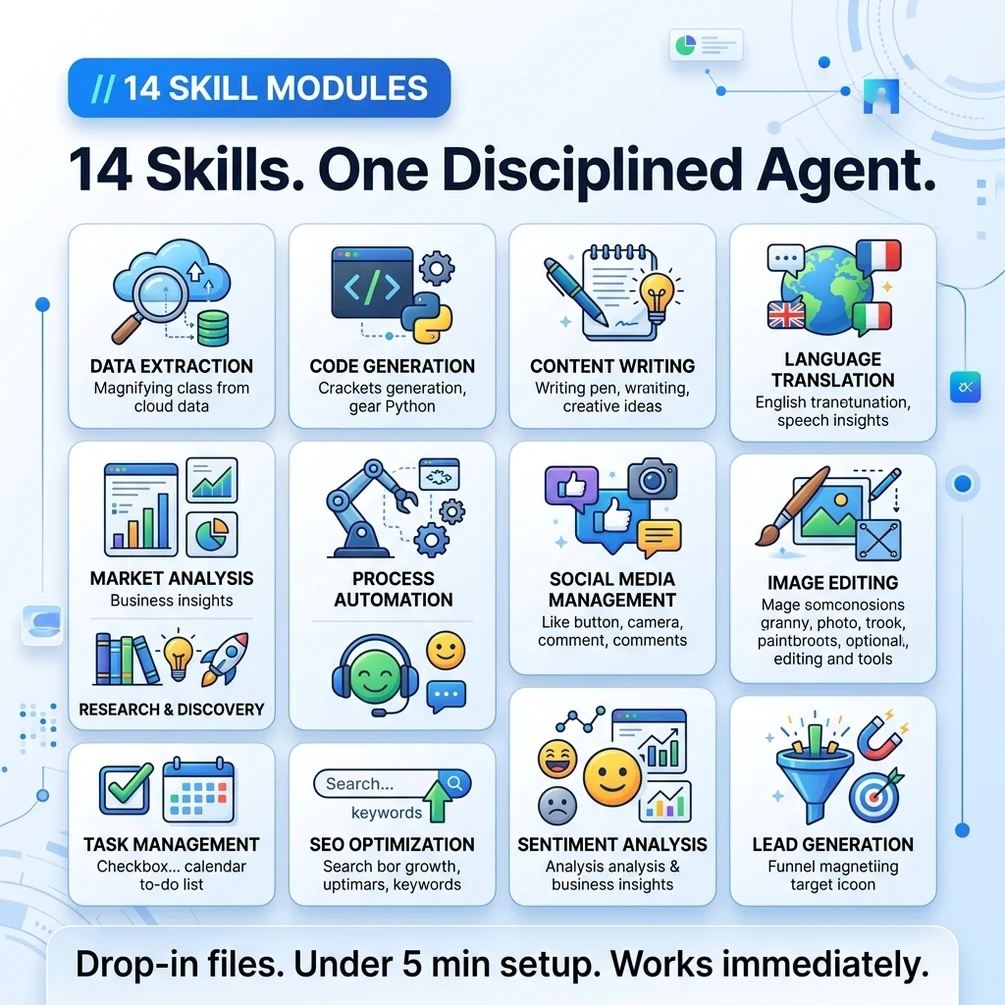
Want the plan, test and review loop to run the same way every time? CodeForge is 14 skills for $19.
Get CodeForge, $19 one-time// side by side
By hand vs a generic AI prompt vs CodeForge
The workflow is the same in all three columns: plan, small steps, tests, review. What changes is whether it actually happens on a busy day, or only on the days you remember.
| Criterion | By hand | Generic AI prompt | CodeForge |
|---|---|---|---|
| Plan before code | When you remember to ask for one | Rare; the model starts typing at once | A planning skill runs before any edit |
| Test before the fix | The habit you keep promising yourself | Tests written after the code, if at all | Red-green-refactor skill with subagent support |
| Parallel work | git stash, then lose your place | Not covered | A worktree skill that checks the folder before it creates one |
| Review before done | Depends on how tired you are | The model grades its own work | A code review skill and a review agent |
| Evidence before done | Your memory of what you checked | The model says the tests pass | A skill that asks for fresh test output first |
| Cost | Free, plus your hours | Your existing AI plan | $19 once, plus your AI plan |
// in the download
What is inside CodeForge
CodeForge is a Claude Code plugin with 14 workflow skills that make the assistant plan, test, review and verify in a fixed order, with adapter files for Cursor, Codex, OpenCode and Gemini CLI.
| # | what ships | type |
|---|---|---|
| 01 | A Claude Code plugin with 14 workflow skills, one review agent and session-start hooks | .skill |
| 02 | Brainstorming and plan-writing skills that run before a single line is written | .skill |
| 03 | A test-driven workflow: red, green, refactor, with subagent support | .ts |
| 04 | Code review, debugging and verification skills that check each change | .skill |
| 05 | A git worktree skill that picks a folder and checks it before creating the worktree | .skill |
| 06 | Adapter files and install notes for Cursor, Codex, OpenCode and Gemini CLI | .ts |
| 07 | Sample test projects, a Go project and a Svelte to-do app, used to check the skills | .skill |
What you do not get
- No app, server or subscription. The skills are text files that run inside your own AI tool.
- No AI model access. You still need your own Claude Code, Cursor, Codex or Gemini CLI plan.
- No video course or calls. Everything is written instructions and config files.
- No language-specific starter projects or test runner configs. The workflow works with the tests you already have.
Who CodeForge is for, and who should skip it
This fits developers who already use an AI coding tool every day and keep losing evenings to rework. It does not fit people who do not code yet, or anyone who wants a speed boost on day one.
It is for you if
- You accept an AI diff, watch it break something else and revert at midnight.
- You use Cursor or Claude Code daily and could not describe your actual workflow.
- You stash your branch every time a hotfix lands and lose your place.
- You have promised yourself test-driven development on the next feature for months.
It is not for you if
- You do not use an AI coding tool yet. The skills assume one is already in your hands.
- You want a speed boost on day one. The first features are slower by design.
- You do not write code at all. Idea to App OS is the version written for non-coders.
// frequently asked
Questions buyers ask
- Why does my AI coding assistant break code that already worked?
- Your AI coding assistant breaks working code because it edits more than the task needs and nothing checks the result. It sees part of your project, guesses the rest and reports success when the code looks right. A test suite run after every small change catches the breakage before you accept it.
- How do I make Claude Code plan before it writes code?
- Switch to plan mode before you describe the task. In plan mode Claude Code reads files and proposes a plan without editing anything. You read the plan, correct it, and only then let it write code. The Claude Code docs list Shift+Tab as the shortcut that cycles into plan mode.
- Do I need coding skills to use CodeForge?
- Yes, CodeForge is built for developers. It assumes you can read a diff, run tests and use git. If you do not code, Idea to App OS includes CodeForge plus seven plain-English guides that explain each step.
- Does it work with ChatGPT or Cursor?
- CodeForge works with Claude Code, Cursor, Codex, OpenCode and Gemini CLI. Claude Code is the main target, because it ships as a Claude Code plugin. The others use adapter files, which carry most but not all of the workflow. It is not built for the ChatGPT chat window.
- How do I install it in Claude Code?
- Unzip the download. In Claude Code, run /plugin marketplace add with the path to the unzipped folder, then /plugin install codeforge@codeforge-dev. The README in the package shows a copy command instead. Use the plugin commands, because they install the skills and hooks together.
- Is it a one-time payment?
- Yes, CodeForge costs $19 once. There is no subscription. Polar or Gumroad sends the download right after payment.
- Will this slow me down at first?
- Yes, at first. Planning and writing tests first feel like extra steps. The payoff comes later, when a review catches a problem before it ships instead of after. I never timed my own work before and after, so I will not promise a number.
- Is the git worktree part safe?
- Git worktrees are a built-in git feature. Each one is a separate folder with its own branch, sharing the same history, so your main checkout stays untouched. Git also refuses to remove a worktree that has uncommitted changes unless you force it.
- What languages does it support?
- The workflow does not depend on the language. The skills tell the assistant to run your own test command, whatever it is. The package tests the skills on a Go project and a Svelte app, but it does not ship starter configs for any language.
Get CodeForge
CodeForge costs $19 as a one-time payment. You get an instant download, lifetime access to every v1 update, and no subscription.
// next problem
Related problems
- How to finish an AI-built app without a developer
The same CodeForge workflow, wrapped in seven guides for people who do not code.
- How to make a bigger game alone with AI agents
If your code is a game, these agents add engine specialists on top of a clean workflow.
// Also on this topic
- guideHow to run Claude Code on a schedule, and know the job actually ran
Four ways to schedule Claude Code compared, what each needs to stay on, and the watcher that catches jobs that die without a word.
- guideHow to write a CLAUDE.md file for a small business, even if you don't code
Stop explaining the same rules every Monday. What a CLAUDE.md file is, what goes in it for a small shop, how long it should be and how to check it loaded.
- free toolllms.txt generator
A spec-valid llms.txt built in the browser, validated as you type.
- bookClaude Code for Non-Programmers
A Business Owner's Guide to Building Your Own AI Operating System (2027 Edition)