// design & ui category
SwiftUI & iOS UI Templates
iOS 26 Liquid Glass + cross-platform web ports. 67 variants. $29 one-time.
Quick answer
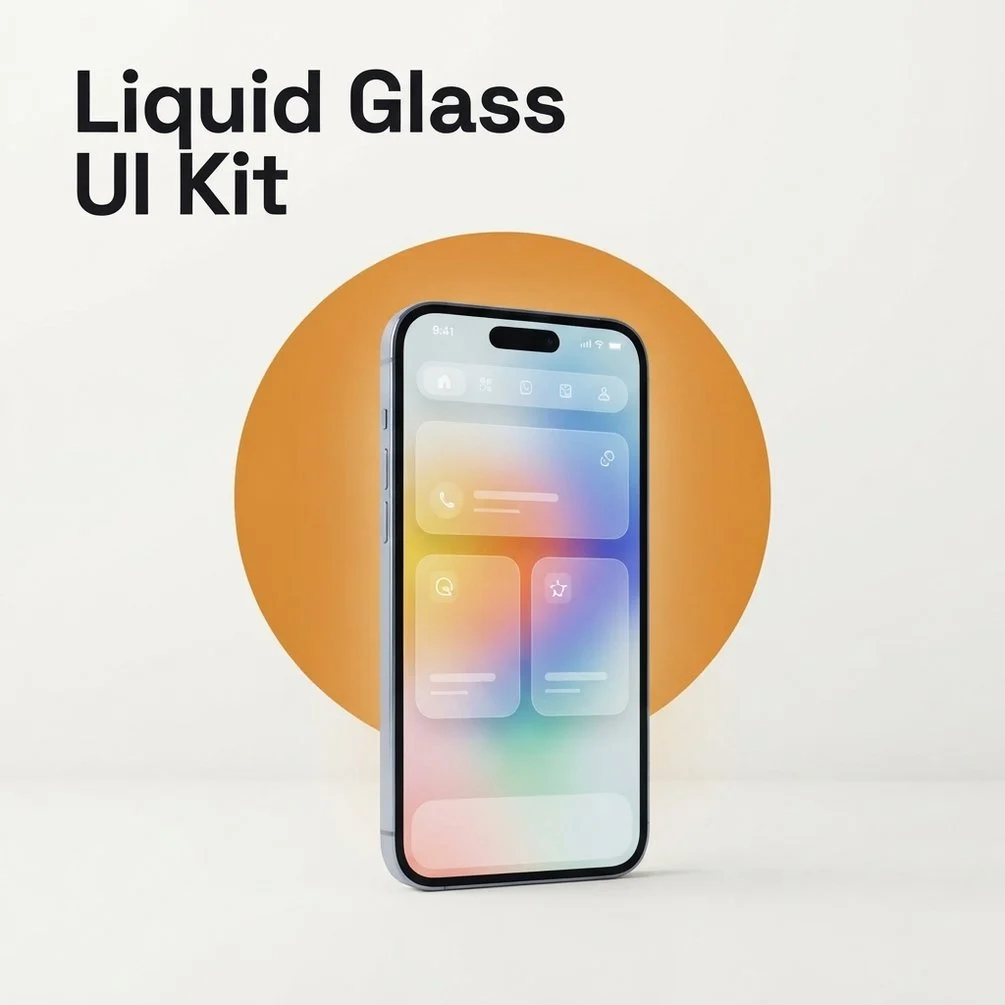
Design & UI at ToolGenX ships SwiftUI templates and design systems for iOS developers and web designers adopting Apple's Liquid Glass design language. The headline product is the iOS Liquid Glass UI Kit ($29) — 67 SwiftUI variants for iOS 26, UIKit fallbacks for iOS 17 and iOS 18, plus CSS backdrop-filter web ports. A design system generator picks the right 5-7 variants for your product shape.
// products in this category
1 product in Design & UI
Every product below is one-time payment, instant download, lifetime updates to v1.x. Browse the rest of the catalog at /products.
// on this topic
Keep going
- postFree vs paid Claude Code skills: what the free ones actually cost
Most Claude Code skills are free and that is usually the right answer. Measured numbers from a 383-skill install on what the free route costs in context.
- postI want an app built and I cannot code: what actually works in 2026
The three routes a non-technical person has in 2026, what each costs, where each breaks, and the one I would take with a budget and no vocabulary.
- postBest Claude Code skills for indie developers (with real examples)
The Claude Code skills that move real work: TDD, planning, code review, multi-agent. Six skill packs solo developers use and the gap each one closes.
- guideClaude Code changed files it shouldn't have. What to do right now
Files changed that you never approved. Stop it, rewind this session, restore from git, and what no undo button can bring back. Plain steps first.
- guideCan you paste an API key or client data into Claude Code? Where secrets go instead
A pasted key is saved in a plain text file. Where keys and client records go instead, the deny rules that lock them, and what to do after a leak.
- free toolllms.txt generator
A spec-valid llms.txt built in the browser, validated as you type.
- bookClaude Code for Non-Programmers
A Business Owner's Guide to Building Your Own AI Operating System (2027 Edition)
// category faq
Questions about Design & UI
- Do I need Xcode 26 to use the Liquid Glass UI Kit?
- For full iOS 26 Liquid Glass rendering, yes. UIKit variants ship with backward-compatible fallbacks for iOS 17 and iOS 18, and the CSS web adaptation works in any modern browser. About 80% of the kit works without the latest Xcode, but the signature glass blur effects need iOS 26 to render correctly.
- What file format do the variants ship in?
- Each variant is a self-contained Swift file (SwiftUI View or UIKit UIView subclass) plus a matching .css file for the web port. No Xcode project wrapper — drop files into your own project. Figma source files are included for designer review and customization.
- Will Apple reject my app for copying the system look?
- No. These variants implement the public Liquid Glass APIs Apple introduced in iOS 26. Using public APIs is exactly what Apple wants third-party apps to do. The kit avoids private API tricks that would risk App Store rejection.
- Does the web CSS version look the same as native iOS?
- Close, not identical. CSS backdrop-filter and color-mix get within 90% of the native effect. The remaining 10% (animation curves, gesture responses) is where native still wins. The web port is for marketing pages and dashboards, not full app parity.