Last updated
I'm a freelancer drowning in client emails. What do I do this morning?

The book for this problem
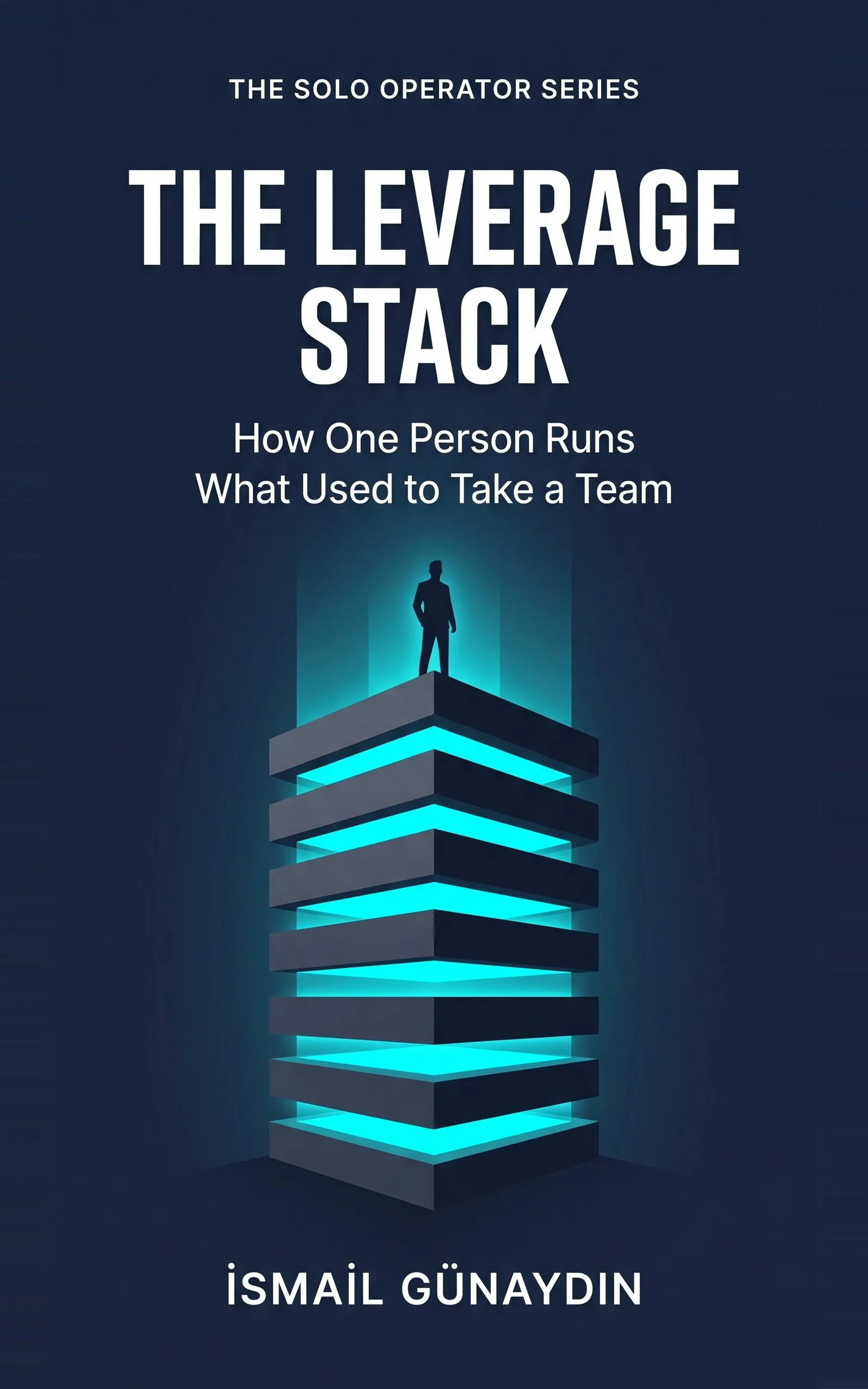
The Leverage Stack
How One Person Runs What Used to Take a Team. By İsmail Günaydın, 80 pages.
Where this problem is in the book:
- The Bottleneck
- The Inventory
- The Brief
Links go to Amazon. I wrote this book and earn a royalty on every sale. Amazon sets the price and handles delivery and returns.
Clear this morning's pile in one pass
Don't start at the top. Don't start with the loudest one. Do this.
- Give every email one of four labels. Delete, Automate, Delegate, Do. One pass. First instinct. You can change a label next week.
- Delete first. These are replies that exist only because they always have. The "just checking in." The Friday "all on track." Ask: would anything break if I never sent this kind again? If not, stop sending it.
- Automate the same-every-time ones. A booking confirmation. The "here are the files" email. If you could write it on an index card, it can go out on its own.
- Draft the rest with AI, from a brief. Paste in the full client email, not your summary. Read the draft, check any price or date against your own records, and send.
- Write the Do pile yourself. The upset client. The pricing call. The "should we keep working together." Those are yours. They should be few.
Now do one more thing before lunch. Pick the reply you send most often and write a brief for it. That is how tomorrow gets lighter.
Check at set times, not all day
The four labels shrink the pile. The other half is how often you open it. Most advice for swamped freelancers says the same thing: pick set times to check, and close the inbox in between.
There is real research behind that one. In a 2015 study at the University of British Columbia, Kushlev and Dunn had 124 adults limit email to three checks a day for one week, and check as often as they liked the other week. People felt less daily stress in the limited week. The study measured stress, not output, so it does not say you will get more done. It does say the constant peeking costs you something.
Two small settings make set times easier to keep.
- Let client mail find you. In Gmail, a filter can put every email from a client's address under its own label, or star it. Search for the address, then choose Create filter. On your check, open those labels first.
- Tell clients when you reply. One line in your signature or welcome email, such as "I answer email twice a day, by noon and by five," sets the pace. Pick times you will really keep.
Urgent things should not wait for your next check. That is what a phone call or one loud alert is for, not an inbox you watch all day.

Why the loudest email wins every time
It is 7:40 on a Monday. Forty-seven unread. Three clients who each think they are your only client.
You answer the loudest one first, not the most important one. A "quick question" takes ninety minutes. By six you have worked nine hours and moved nothing you planned.
You tell yourself you need to get organized. I don't think that is true. You are not messy. Every email in your business goes through one head, and that head is yours. The book calls you a switchboard, and the line is always busy.

The one brief that pays you back every day
A brief is the year of context you would give a new assistant, written down once. It has four parts.
The goal. "First draft of my reply to a new client. Done means I can send it after a light edit."
What it cannot guess. Who the client is. Your tone, said plainly: "warm but not gushy, short sentences, no exclamation marks." Your limits: under 150 words, one next step.
One real example. An email you sent and liked. Paste it in whole. It teaches your voice better than any adjective.
Your don't-list. "Don't open with 'I hope this finds you well.' Don't promise a delivery date." Every fix you make twice goes here once.
The first brief takes about twenty minutes, about what one careful reply costs. In the book, a 30-minute job becomes a 3-minute review from the second use on.

The photographer who replied at 11 p.m.
Nadia, the wedding photographer in the book, wrote every inquiry reply from scratch late at night. The late ones came out short and cold. Some couples went to a photographer who had answered warmly by lunch.
She wrote one brief. Her tone, her three packages, a rule against quoting prices in the first email, a real reply she was proud of, and her list of wedding clichés to never use. From the second inquiry on, her job was a ninety-second edit.
She did not get faster at writing replies. She stopped writing them from scratch.
A big study by the National Bureau of Economic Research found AI help raised output most for the least experienced workers, up to 34% more per hour. If you never trained as a writer, that is you. And per the US Census Bureau, you are one of more than 30 million owners with no staff at all.

The chapters in The Leverage Stack for an inbox like yours
This is the problem The Leverage Stack was written for.
Chapter 1, The Bottleneck, maps one ordinary day so the inbox stops being a fog and becomes a list. Chapter 2, The Inventory, is the four labels in full, with the order that keeps you from speeding up work that should stop. Chapter 3, The Brief, is the four-part brief, with Nadia's filled-in page side by side with the one-line prompt that failed.
If your drafts come back bland, read why ChatGPT emails sound generic. The brief template is also in the free workbook.
Is The Leverage Stack the right book for you?
Yes, if
- You open the laptop to 40 or more unread emails and real work you planned to do
- You write the same few replies again and again, each one from scratch
- A 'quick question' email often costs you an hour or more
Skip it if
- You want an inbox app or a filing method
- Your emails are mostly unique legal or medical advice
Fair doubts before you buy
My clients expect a personal reply. Won't AI drafts feel cold?
A one-line prompt does feel cold. A brief with your tone, a real past email and your don't-list comes back sounding like you. You still read it and send it. The client gets your voice and your approval. They just don't get you typing from scratch at 11 p.m.
Is the Kindle version enough, or do I need the workbook?
The Kindle version has every tool written out in the chapters, so you can copy them as you go. The free printable workbook on this site is the same set, laid out to fill in by hand, which some people find easier on a busy morning.
Get The Leverage Stack
You are not disorganized, you are the bottleneck: eight layers catch the work that does not need your judgment, so only real decisions reach you.
Links go to Amazon. I wrote this book and earn a royalty on every sale. Amazon sets the price and handles delivery and returns.
Part of The Solo Operator Series, five short books that can be read in any order.
Questions people ask about this
- How do freelancers manage client emails?
- Sort them by what you can do with each one, not by who shouted loudest. Some should stop being sent at all. Some are the same every time and can go out on their own. Many can be drafted by AI from your saved brief. Only a few truly need you to write them.
- How can I answer client emails faster?
- Write one brief for your most common reply: the goal, your tone and limits, one real email you were proud of, and a list of things you never say. In the book, that turns a 20-minute reply into about a two-minute review.
- Should I stop sending weekly status updates to clients?
- Ask whether anything breaks if you stop. In the book's example, the client never needed the Friday 'on track' note, only the bad news, which you would send anyway. If nothing breaks, it can go.
- Can ChatGPT answer my client emails?
- It can write the first draft well if you give it the full email and a real brief. Keep the send in your hands, and check prices, dates, names and promises against your own records before it goes.
- Why do quick client questions take so long to answer?
- Because each one makes you stop, find the right tone, look up the right detail and switch back. The reply might take two minutes. The switch costs more. That hidden cost is why handing off even small replies frees up more than the minutes suggest.
- How often should a freelancer check email?
- At a few set times, not all day. In a 2015 study, 124 adults who limited email to three checks a day felt less daily stress than in a week of checking freely. Pick times you can keep, tell clients when they can expect a reply, and use filters so client mail is easy to find on each check.
Related problems
- You run a one-person business and you can't keep up. Here is what is actually broken.
Working more hours won't fix a one-person business that is behind. Find the tasks that only pass through you out of habit, then hand them off.
- Why do ChatGPT emails sound generic? A one-line prompt vs a real brief
ChatGPT gives you emails with the warmth of a parking ticket? Compare a one-line prompt with a four-part brief and see what is missing.
- How do I turn ChatGPT into a daily routine instead of something I use now and then?
ChatGPT helped once, then you went back to doing it by hand. Here is how to wire one task into a routine that starts without you remembering.
- My business stops when I take a day off. What can I set up before I go?
Taking a day off and dreading the pile when you come back? Here is what to switch on first so the routine work keeps moving without you.
- Everything inside The Leverage Stack
Every chapter, who the book is for, and every problem it helps with.