Last updated
How do I turn ChatGPT into a daily routine instead of something I use now and then?

Last week it worked, and this Monday you did it by hand
You found a prompt that worked. The draft came back clean. You fixed three words and sent it, and for a minute the work was happening beside you instead of through you.
Then Monday came. The same task showed up at 9 a.m. You did it by hand.
Not because the prompt failed. Because it was in a folder you didn't open, and typing a tired reply from scratch was easier than going to find it.
That is how most AI use ends. Not with a crash. With a quiet slide back to the old way. A tool you use once is not a routine. It is a good afternoon.

Why a better prompt will not fix this
Most advice about ChatGPT is about the words you type. Better wording, more detail, a magic phrase. That advice is not wrong. It is just aimed at the wrong link.
The writing step is one part of the job. Something has to start it. Something has to feed it. And the result has to land somewhere you will actually look. Skip any one of those and the best prompt in the world sits unused.
I want to be blunt here, because a lot of people sell the opposite. You do not need a smarter tool. You need the plain parts around it.

The five links that make it run without you
Here is the shift from the book. A routine is five answers, written once.
- Start. What event kicks it off? A new email arriving. A form sent in. A payment clearing. It has to fire without you.
- Input. What does it receive? The real message, as it came in. Not your summary.
- Instructions. Your saved brief, attached every time, with your tone and the things you never say.
- The AI step. The draft, the sort, the short summary. A first pass, not the final word.
- Landing spot. Where the result goes. "Drafts folder, flagged, for a two-minute look before I send."
Only link four is AI. Three of the five are plain plumbing.
The one people get wrong most is the start. "Every morning I'll check" is not a start. It is one more item on the list that is already drowning you. You cannot fix a memory problem with more memory. Change "I should send the monthly summary" into "on the first of the month, the summary goes." The calendar holds it so your head does not have to.
The second most skipped link is the landing spot. A draft that lands nowhere is a draft you will redo by hand.

Everyday tasks that fit a routine
Most lists of ChatGPT uses for small business stop at the task: write the reply, draft the post, sum up the week. That is the AI step. Here are the same kinds of tasks with the other links filled in, using the start signals the book itself gives.
| Task | What starts it | What it gets | Where the draft lands |
|---|---|---|---|
| Reply to a new inquiry | The email arrives in the bookings inbox | The full email, as sent | Drafts folder, flagged for a short look |
| Welcome a new client | The contract is signed | The client's name and what they booked | Drafts folder, ready to send after a light edit |
| Weekly numbers summary | Friday at 4, when the week's numbers close | The raw numbers | Your review pile |
| Monthly summary | The first of the month, held by the calendar | The month's records | Your review pile, then the client |
| "Can you send me your rates?" | The question comes in | The client's message and your package list | Drafts folder. You add the price yourself |
| Turn a spoken idea into a draft | You dictate a voice note walking to the car | The voice note | Your review pile |
Each row starts with something that happens on its own, not with you remembering to open a chat. If you cannot fill in the second column for a task, it is not a routine yet. It is something you do when you think of it.
Two cautions from the book. Do not let a draft write the price, so leave a blank only you fill. And read every customer-facing draft before it goes out. The AI step gives you a first pass, not the final word.

One task, wired: the inquiry reply
Nadia, the wedding photographer in the book, had a good brief for replying to new couples. It worked the week she wrote it. Then it sat in a folder while eleven or fourteen inquiries a week arrived, and she kept typing from scratch.
So she wrote her five links. The start: a new inquiry lands in the bookings inbox. The input: the full email, date and venue and all. The instructions: her saved brief. The AI step: a full draft that greets them by name and suggests the right package. The landing spot: her drafts folder, flagged, for a two-minute look.
A reply that cost her twenty minutes now cost two. At eleven inquiries a week, that is more than three hours back, every week.
There is a quiet reason it helped her so much. She was a great photographer and a beginner at sales writing. The NBER study of AI at work found the biggest gains, up to 34% more per hour, went to the least experienced workers. You are a beginner at most of your business too. That used to be a weakness.

Build for the task you do most, then wait a week
Pick by how often, not by how much it bugs you. The weekly task beats the quarterly one by 48 extra payoffs a year.
Then build one. Just one. Let it run for a week before you touch anything else. One routine that runs teaches you more than a notebook of plans.
You are far from the only one doing every job alone. The US Census Bureau counts more than 30 million businesses with no employees.

The chapters in The Leverage Stack that cover this
This is the problem The Leverage Stack was written for.
Chapter 4, The Pipeline, is the five links in full, with the 5-Step Pipeline Builder, Nadia's filled-in page, and the four ways a routine looks finished but never runs.
Chapter 3, The Brief, is how you write the instructions link so the draft sounds like you. If your drafts come back bland, read why ChatGPT emails sound generic.
Chapter 2, The Inventory, helps you choose which task deserves a routine at all, and which should simply stop.
The pipeline page is in the free printable workbook too.
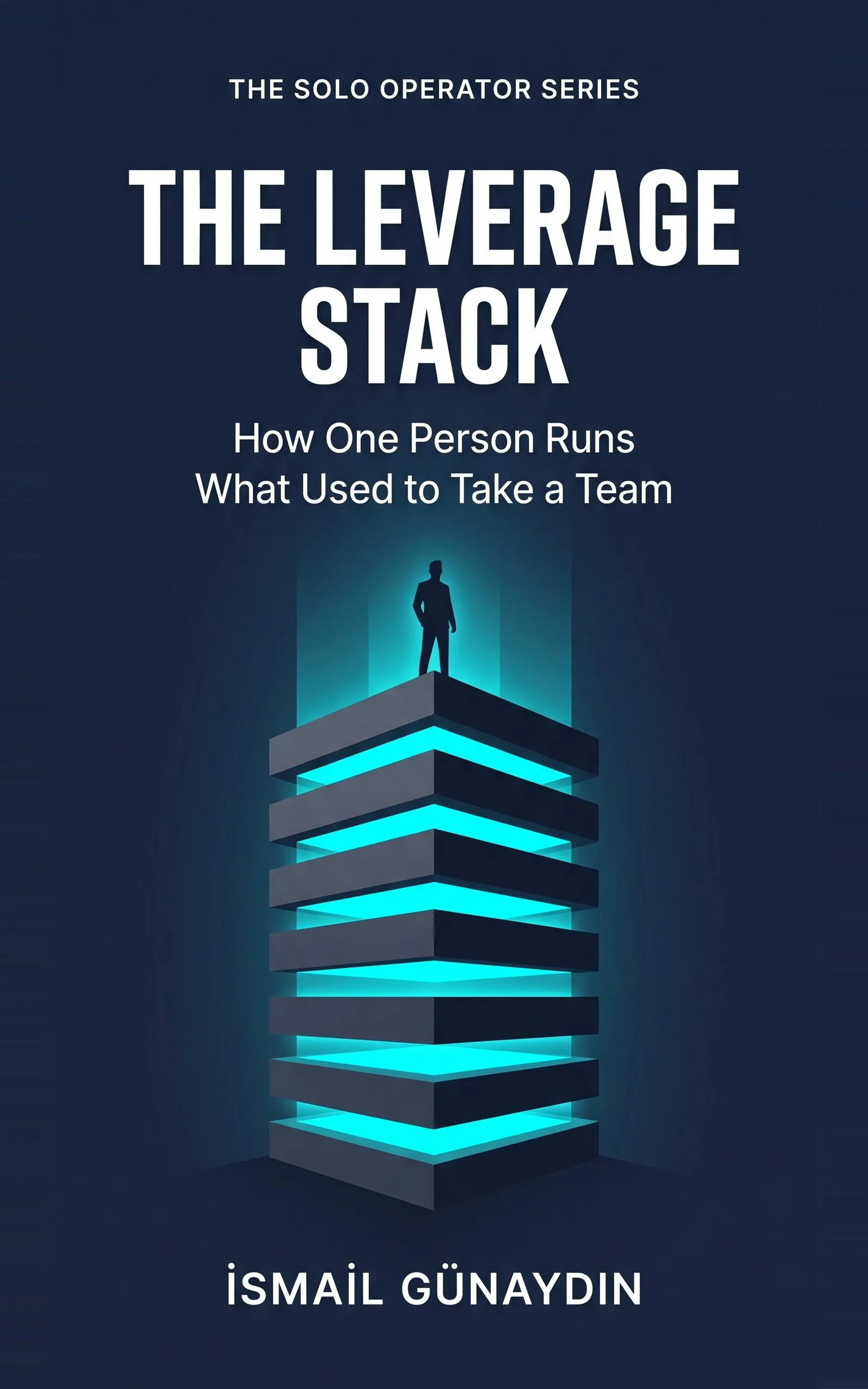
The book for this problem
The Leverage Stack
How One Person Runs What Used to Take a Team. By İsmail Günaydın, 80 pages.
Where this problem is in the book:
- The Pipeline
- The Brief
- The Inventory
Links go to Amazon. I wrote this book and earn a royalty on every sale. Amazon sets the price and handles delivery and returns.
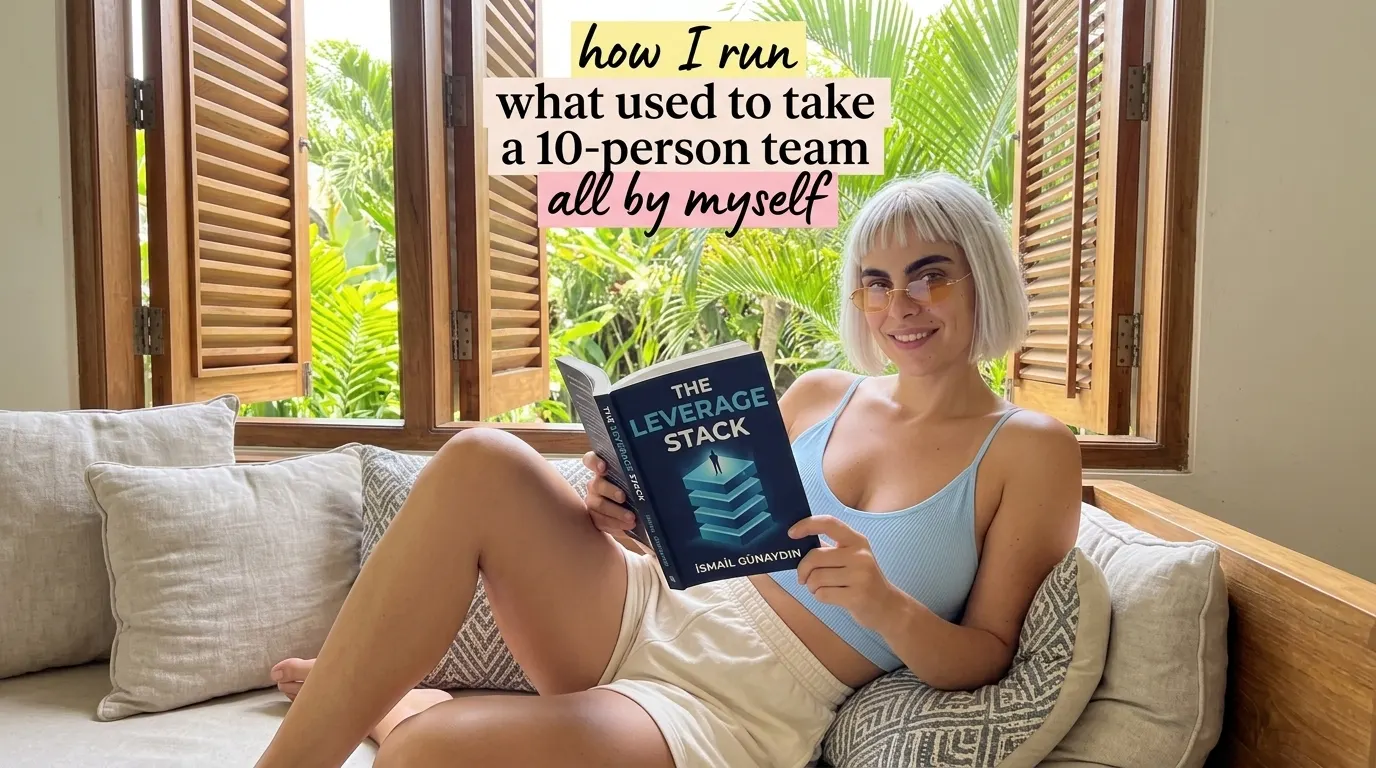
Is The Leverage Stack the right book for you?
Yes, if
- You use ChatGPT or Claude now and then and it helps, then you forget about it
- You have a saved prompt that works but sits in a folder you never open
- You do the same writing task several times a week and want it off your plate
Skip it if
- You want a list of clever prompts to copy
- You want software that runs your whole business while you are away
Fair doubts before you buy
Isn't this just a better prompt?
No, and that is the point. The prompt is one link out of five. A great prompt with no start signal and no place for the draft to land gets used for a week and then forgotten. The book spends most of the chapter on the four links that are not the prompt.
Do I need to know how to code to build this?
No. The example in the book is a wedding photographer who set it up with an inbox, a saved brief and a drafts folder. The chapter is about deciding the five links, which you do on one page, before any tool.
I'm not a good writer. Will AI drafts even help me?
They may help you most. In a large study of support agents, AI help lifted the least experienced workers the most, up to 34% more per hour, while the experts barely moved. Most of us are beginners at most of our own business.
Get The Leverage Stack
You are not disorganized, you are the bottleneck: eight layers catch the work that does not need your judgment, so only real decisions reach you.
Links go to Amazon. I wrote this book and earn a royalty on every sale. Amazon sets the price and handles delivery and returns.
Part of The Solo Operator Series, five short books that can be read in any order.
Questions people ask about this
- How do I use ChatGPT every day for my business?
- Tie one task to an event that already happens, like a new inquiry email arriving. When it fires, the full message goes to the AI with your standing instructions, and the draft lands in one folder for a short review. Start with the task you do most often.
- Why do I keep forgetting to use AI tools?
- Because the start depends on your memory, and your memory is already the thing that is overloaded. 'When I think of it' is not a start signal. 'When the email arrives' or 'on the first of the month' is. A clock or an inbox never forgets.
- What is an AI workflow for a one-person business?
- A short chain of five parts: the event that starts it, the input it receives, the saved instructions, the AI step that writes the draft, and the place the draft goes next. Write all five on one page before you build anything.
- Which task should I automate with AI first?
- The one you do most often, not the one you hate most. A routine for a weekly task pays you back 52 times a year. A routine for a quarterly task pays you four. The task that annoys you is loud, but loud is not the same as costly.
- Should I summarize the email before giving it to ChatGPT?
- No. Give it the real message as it arrived. A summary is where errors breed, because the AI then answers your short version, not what the client actually asked.
- What small business tasks can ChatGPT do every day?
- Any task you repeat that starts with a clear event. Replies to new inquiries, a welcome note when a contract is signed, a weekly or monthly summary of your numbers, and a clean draft from a voice note you dictated. In each case the AI writes a first draft and a person reviews it. Keep prices and promises in your own hands.
Related problems
- You run a one-person business and you can't keep up. Here is what is actually broken.
Working more hours won't fix a one-person business that is behind. Find the tasks that only pass through you out of habit, then hand them off.
- Why do ChatGPT emails sound generic? A one-line prompt vs a real brief
ChatGPT gives you emails with the warmth of a parking ticket? Compare a one-line prompt with a four-part brief and see what is missing.
- How to stop checking everything AI writes: what to check, what to skip
Re-reading every AI draft saves you no time. Check the few things AI gets confidently wrong, skip the rest, and ship with a 30-second gate.
- I'm a freelancer drowning in client emails. What do I do this morning?
Forty-plus unread client emails and real work waiting? Sort them in one pass, cut the ones that should not exist, and draft the rest from a brief.
- Everything inside The Leverage Stack
Every chapter, who the book is for, and every problem it helps with.