Last updated
Why do ChatGPT emails sound generic? A one-line prompt vs a real brief
| Part of the brief | One-line prompt | Four-part brief |
|---|---|---|
| Role and goal | 'Write a welcome email for a new client.' No finish line | 'First draft of a welcome email to a couple who just booked me. Done means I can send it after a light edit' |
| Context it can't guess | None. It guesses, so it writes for everyone | Who they are, your tone in plain words, under 150 words, one next step |
| Example of good | None | One real email you were happy with, pasted in whole |
| Don't-list | None | No 'I hope this finds you well', no promised timeline, no 'excited' |
| What comes back | The average email, with the warmth of a parking ticket | A draft you would send after a short edit |
One-line prompt vs brief, side by side
Read the two right columns side by side. Same task. Same tool. The only change is what you put in.
The one-line prompt has a faint role and nothing else. No goal, no context, no example, no don't-list. So the tool does the only thing it can. It writes the middle of the road, because most welcome emails are dull and you asked for one.
That is the point people miss. A bland draft is not a verdict on the tool. It is a verdict on the instruction. The tool was never the problem. The blank stare you handed it was.
Which two parts you are probably missing
Most failed drafts lack two of the four parts, and they are nearly always the same two.
The context. Tone is the big one. "Professional" means nothing to a machine. Write it how you would tell a new hire: "I write like a calm friend who happens to be good at this. No corporate filler." Add your limits too. Under 150 words. One clear next step. No more than one question. Limits are rails, not a cage.
The example. Almost nobody adds one, and it is the cheapest part, because you already own it. Find an email you were quietly proud of and paste it in. The tool reads its rhythm and its sign-off. One sample is enough to start. Two is better if they differ, like a warm one and a short one.
The don't-list is the part that grows. The first version is short. After a week you will have caught three new habits. Add them. A don't-list that never grows is frozen at the moment you knew least.
How to tell an email still sounds like AI
Before you send, read the draft once and look for the habits that give it away. These are the lines Nadia, the photographer in the book, put on her don't-list after she caught them more than once.
| What you see | The fix in the brief |
|---|---|
| It opens with "I hope this finds you well" or "Thank you for your interest in my services" | Ban the opener by name, and paste in a real email that opens the way you do |
| It is "excited" or "thrilled", with exclamation marks | Add those words and the exclamation mark to the don't-list |
| It could be sent to anyone | Add who the reader is and what they just asked or bought |
| It runs long and asks three questions | Set a limit, like under 150 words and one question |
| It makes up a detail, like a date or a delivery time | Ask for "a first draft I can send after a light edit", not "ready to send", and add "don't promise timelines" |
The book has a blunt test for the whole draft: if you could not tell who wrote it, the brief had no context. That one is not fixed by editing the email. It is fixed by adding the missing part to the brief, so the next draft comes back right.
Late at night, cold replies, lost couples
Nadia, the wedding photographer in the book, used to write every inquiry reply herself at 11 p.m. The late ones came out short. Some couples drifted to a photographer who had answered warmly by lunch.
She wrote one brief. The goal: send after a light edit. Her tone: warm, not gushy, no exclamation marks, no "your special day." Her three packages, and a rule to never quote a price in the first reply. One real reply she was proud of. A don't-list of every wedding cliché she had trained herself out of.
From the second inquiry on, the draft came back sounding like her. Her part shrank to a ninety-second edit.
I find this the most freeing part of the book. You were never bad at handing work off. You were handing it off without the year of context that makes it work.
Why this matters more when you run things alone
The best-known study of AI at work, by Brynjolfsson, Li and Raymond at the National Bureau of Economic Research, found the biggest gains went to the least experienced workers, up to 34% more per hour. That lift showed up when the worker was shown what good looks like. The brief is how you show it.
And the edge matters too. A Harvard and BCG study found AI users did worse than people without it on tasks just past the tool's range. A good brief keeps the tool on work it can do. A short check on prices and dates covers the rest. See what to check in AI drafts.

What The Leverage Stack adds to the brief
This is the problem The Leverage Stack was written for.
Chapter 3, The Brief, walks each of the four parts slowly, shows Nadia's full filled-in brief, and names the four ways briefs go wrong, from a role with no context to writing a brief for a task you barely do.
Chapter 4, The Pipeline, makes the brief attach itself every time, so it does not sit in a folder you never open. Read how to turn ChatGPT into a daily routine.
The Reusable Brief Template is in the free workbook.
The book for this problem
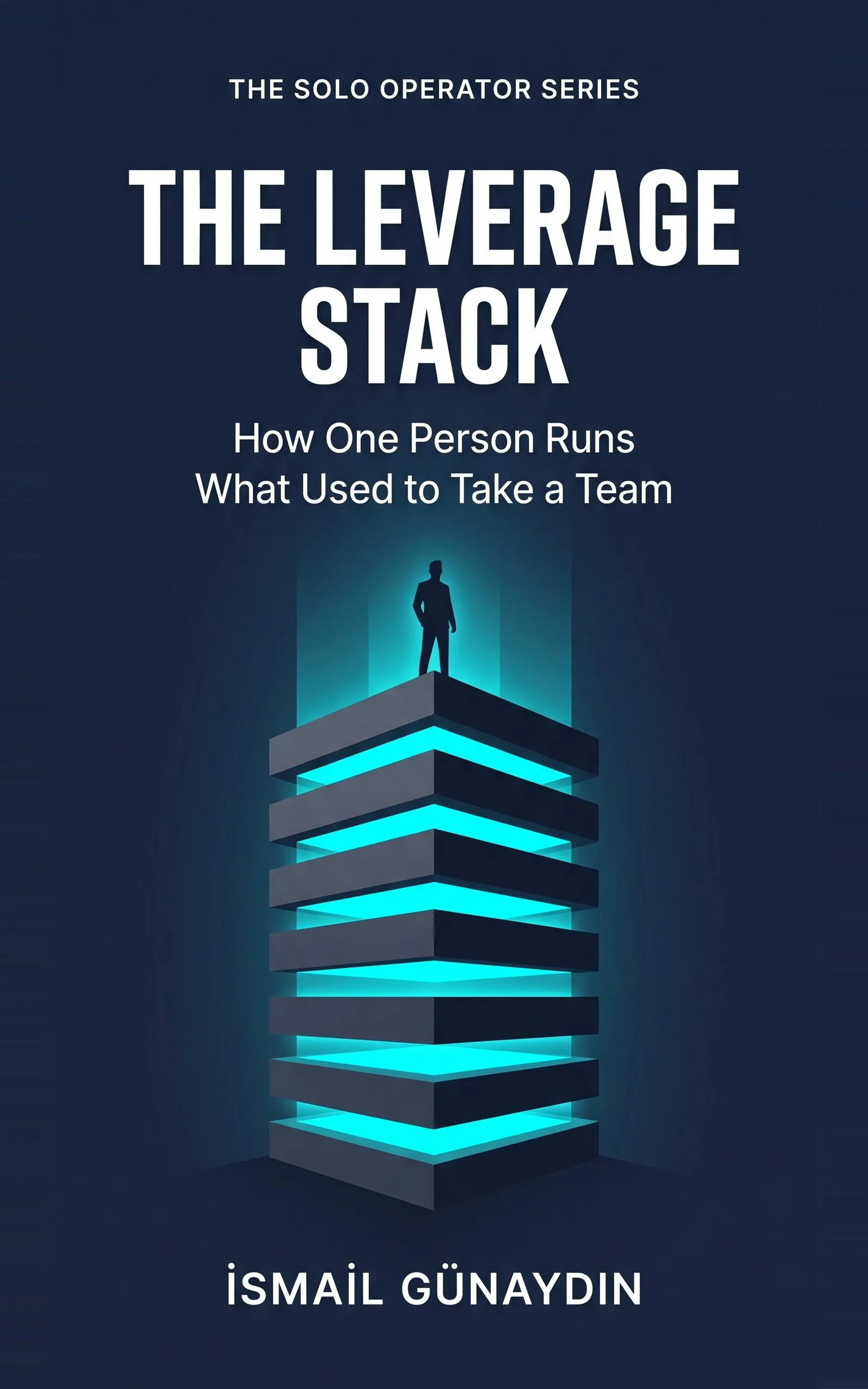
The Leverage Stack
How One Person Runs What Used to Take a Team. By İsmail Günaydın, 80 pages.
Where this problem is in the book:
- The Brief
- The Pipeline
Links go to Amazon. I wrote this book and earn a royalty on every sale. Amazon sets the price and handles delivery and returns.
Is The Leverage Stack the right book for you?
Yes, if
- You tried ChatGPT or Claude for client email and closed the tab because it sounded fake
- You think 'it's faster to just do it myself' every time you try AI
- You have a clear voice and want the draft to match it
Skip it if
- You want a list of prompts to paste without writing anything about your business
- You never write the same kind of email twice
Fair doubts before you buy
I have seen a hundred prompt guides on YouTube. What's different here?
Most prompt guides chase better wording. This is about what you put in, not how you phrase it: your real tone, a real past email, and a don't-list that grows each week. It is also written to be reused, as a standing brief, not a one-off trick.
Isn't writing a brief slower than just writing the email?
The first time, yes. It takes about twenty minutes, roughly one careful email. From the second use on, the book's example turns a 30-minute task into a 3-minute review. So write it for the email you send most often, not the one you send four times a year.
Get The Leverage Stack
You are not disorganized, you are the bottleneck: eight layers catch the work that does not need your judgment, so only real decisions reach you.
Links go to Amazon. I wrote this book and earn a royalty on every sale. Amazon sets the price and handles delivery and returns.
Part of The Solo Operator Series, five short books that can be read in any order.
Questions people ask about this
- How do I make ChatGPT write like me?
- Paste in one real email you wrote and liked, whole. Then describe your tone the way you would to a new hire over coffee, like 'warm but not gushy, short sentences, no exclamation marks'. A real sample teaches your voice far better than words like 'professional'.
- Why does ChatGPT sound so robotic?
- Because with no context it writes the average of everything ever written under your instruction. Most welcome emails are bland, so the average is bland. Give it who the client is, your tone and your limits, and the average stops being the target.
- What should I include in a ChatGPT prompt for business emails?
- Four parts. The role and a finish line, like 'done means I can send it after a light edit'. The context it cannot guess, including tone and limits such as 'under 150 words, one next step'. One real example of good. And a list of things to never do.
- Should I tell ChatGPT what not to write?
- Yes. Every fix you make twice belongs on a don't-list once. 'Don't open with I hope this finds you well. Don't promise timelines. Don't use the word excited.' Add new lines each week as you catch new habits.
- Is the word professional a good tone instruction?
- Not really. It describes a lawyer's letter and a dentist's reminder equally, and they sound nothing alike. Describe the tone in plain detail, and back it up with a real email.
- How do I make emails not sound like AI?
- Fix the brief, not just the draft. Paste in one real email you sent, describe your tone in plain words, set a word limit, and list the phrases you never use, like 'I hope this finds you well' or 'excited'. Then read the draft once for anything it made up, such as a date or a promise. If it could have come from anyone, the brief is missing context about you or the reader.
Related problems
- How do I turn ChatGPT into a daily routine instead of something I use now and then?
ChatGPT helped once, then you went back to doing it by hand. Here is how to wire one task into a routine that starts without you remembering.
- I'm a freelancer drowning in client emails. What do I do this morning?
Forty-plus unread client emails and real work waiting? Sort them in one pass, cut the ones that should not exist, and draft the rest from a brief.
- How to stop checking everything AI writes: what to check, what to skip
Re-reading every AI draft saves you no time. Check the few things AI gets confidently wrong, skip the rest, and ship with a 30-second gate.
- Everything inside The Leverage Stack
Every chapter, who the book is for, and every problem it helps with.