Last updated
Claude Code forgets everything each session. How do you make it remember?

Last Tuesday you explained the supplier
Last Tuesday you spent ten minutes on it. You'd switched suppliers. The old one raised prices. The new one delivers on Thursdays. Claude got it. It even rewrote your ordering checklist.
Today you ask for this week's order list. It builds the whole thing around the old supplier.
You did have that talk. So is it broken? Or am I using it wrong?
Neither. That talk happened in a session that ended.

Why talking to it louder won't work
Each new session starts with a clean slate. The memory page in the official docs says so plainly. Most people find out the hard way, by repeating themselves.
So they repeat themselves harder. Long rules at the top of every chat. Capital letters. It helps for a day, and then a long session gets summed up and the rules fall out of the summary.
The fix isn't more words in the chat. It is words in a file that loads every time.

A notebook by the bed
Picture a helper who wakes up every morning remembering nothing. But next to the bed is a notebook. The first page is a table of contents, one line per topic. "Supplier changed in March, see page 12."
Each morning the helper reads that first page. It only turns to page 12 when the day's work is about the supplier. Each evening, if it learned something worth keeping, it writes a new page and adds one line to the front.
That is how auto memory works. The front page is a file called MEMORY.md. The pages are small note files, one topic each. Claude writes them when you say "remember that...", and it skips things it could work out from your files.
Three limits matter. Only the top 200 lines of the index get read, so keep it short. The notebook stays in one house, because memory lives on one computer. And nothing in it updates itself. A note that was true in March is still saying the same thing in October.
The book's note format has four parts: what, why, how to apply and the date it was checked. The "why" is the one people skip. Without it, a later session can't tell if the rule still makes sense.

Just want yesterday's conversation back?
Sometimes you do not need memory. You need the old chat. Claude Code saves every session as a file, so you can reopen one. The sessions page lists the ways:
| You type | What happens |
|---|---|
claude --continue (or claude -c) |
Reopens the most recent session in this folder |
claude --resume (or claude -r) |
Shows a list of past sessions to pick from |
/resume inside a session |
Switches to another past session |
/rename supplier-change |
Gives this session a name you can find later |
Two things to know. Start Claude Code in the same folder you worked in, because sessions are stored per project folder. And transcripts are cleaned up after 30 days by default.
A resumed session is still not memory. If the old chat was summed up to make room, the summary is what comes back, not every word. For a fact you will need next month, a note beats a transcript.

For long jobs, keep a progress file
Memory notes are for facts. For a big job that runs over several sessions, the book uses a third tool: a plain file called PROGRESS.md in the project folder.
The long-job prompt in the book tells Claude to work in batches. After every batch, it updates PROGRESS.md with the files finished, the files still to do, and anything it was unsure about. If the session stops for any reason, the next one starts by reading that file and picks up from the first file still to do. It never redoes a file marked as finished.
My own note from the day I learned this: assume a long job will stop halfway. Usage limits, a full context window or a crash will end it for reasons that have nothing to do with the work.

Three times my assistant got it wrong
By the fall of 2026, my assistant's memory held about 200 notes behind one index. The rules I've stated firmly carry a stop sign there. Before the index, I gave the same corrections again and again. After it, they stopped repeating.
Then it taught me that a stale note is not my plan. In July 2026 it wrote a profile of how I make decisions and said I stall before publishing. It got that from old notes listing my books as unfinished work. All five were already published. I added a rule: confirm what is true now before drawing a conclusion from old notes.
On September 8, 2026, it acted strangely on my work computer. Its memory folder was on the wrong drive. Only one skill was installed instead of the full set. None of the four scheduled jobs existed. The setup script had failed without a word.
The same day I found out why my quote skill had sat unused for weeks. It lived in a folder another AI tool uses, a folder Claude Code doesn't load. No error. Claude simply didn't know it existed. If a skill never fires, check where it lives before you rewrite it.

The chapter that gives it a memory
This is the problem Claude Code for Non-Programmers was written for. The book is independent and is not affiliated with Anthropic.
Memory That Survives gives you the note template, the index format, five memory rules for your CLAUDE.md, a five-minute weekly review and a new-machine checklist.
CLAUDE.md: The Instruction Sheet holds the handbook half, the things that rarely change.
Skills: Teaching It a Job Once shows where skills must live to load. The official skills page lists the folders.
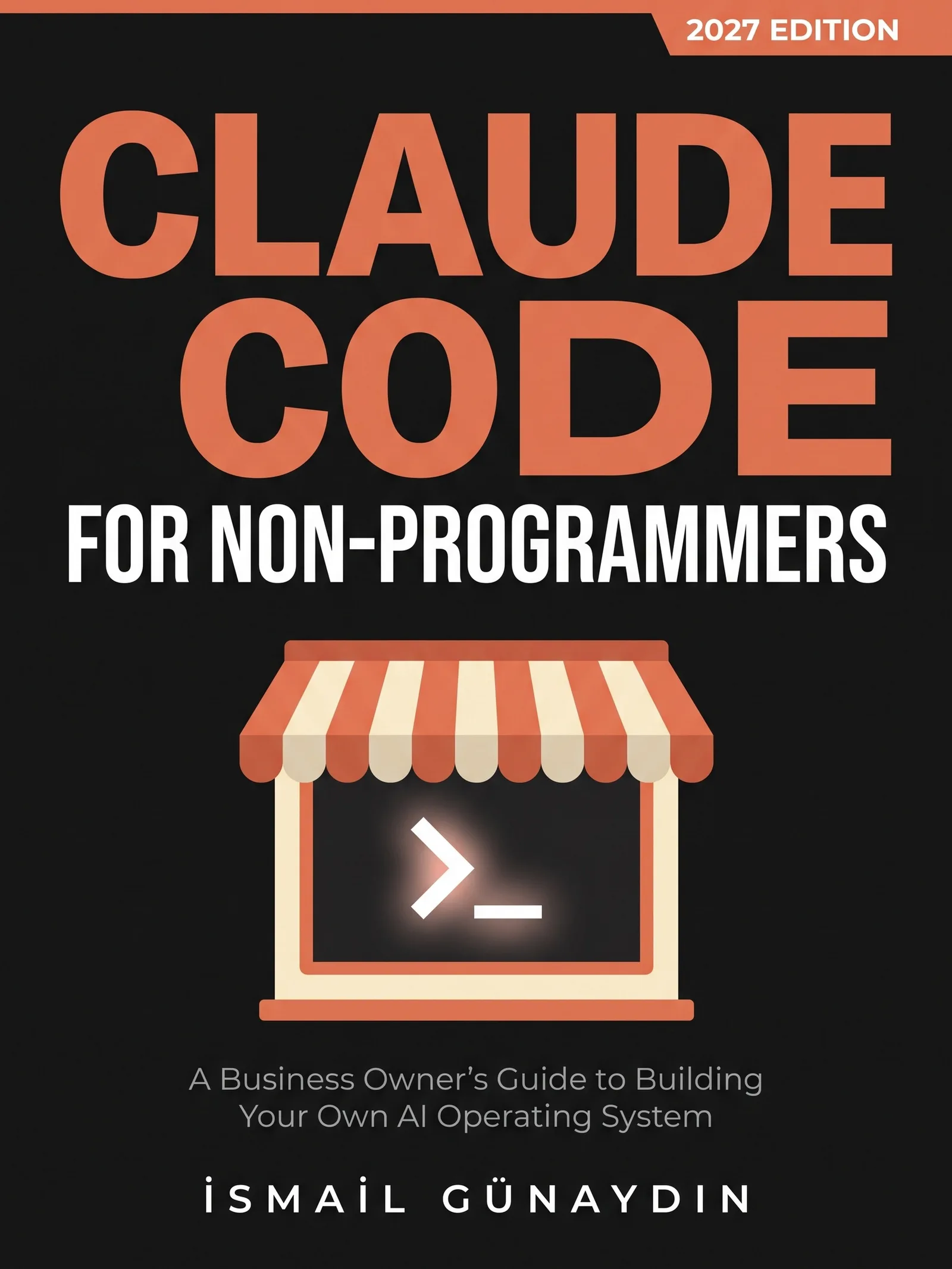
The book for this problem
Claude Code for Non-Programmers
A Business Owner's Guide to Building Your Own AI Operating System (2027 Edition). By İsmail Günaydın, 355 pages.
Where this problem is in the book:
- Memory That Survives
- CLAUDE.md: The Instruction Sheet
- Skills: Teaching It a Job Once
Links go to Amazon. I wrote this book and earn a royalty on every sale. Amazon sets the price and handles delivery and returns.

Is Claude Code for Non-Programmers the right book for you?
Yes, if
- You explained a change last week and today it acts like it never happened
- You work on two computers and it behaves differently on each
- You want it to keep your corrections instead of hearing them again
Skip it if
- You want it to remember everything you ever typed, word for word
- You want a chatbot memory feature, not files you can read
Fair doubts before you buy
Why not just paste my notes at the start of every session?
It works until the session gets long. Long sessions get summed up to make room, and what you pasted can be lost in the summary. CLAUDE.md and auto memory are reloaded from disk after a summary, so they survive it. Your pasted notes don't.
Isn't a memory full of notes going to fill up with junk?
It will, without a shape and a rule. The book gives you a note format with what, why, how to apply and the date checked, plus a five-minute weekly review that lists old notes, notes that contradict each other and notes that repeat CLAUDE.md. You approve the fixes.
Get Claude Code for Non-Programmers
A business owner who has never opened a terminal can give Claude real jobs on real files, safely, using one working system including the parts that broke.
Links go to Amazon. I wrote this book and earn a royalty on every sale. Amazon sets the price and handles delivery and returns.
This book is independent and is not affiliated with or endorsed by Anthropic.

Questions people ask about this
- Does Claude Code remember previous conversations?
- Not by itself. A new session starts without the conversation history of earlier ones. Sessions are saved as files and you can reopen an old one with claude -r, but a brand-new session only knows what is in CLAUDE.md and its memory notes.
- How do I make Claude Code remember something?
- Say "remember that..." and it saves the fact to auto memory. If you want it in CLAUDE.md instead, ask for that, or edit the file through /memory. The /memory command also has the switch for auto memory, which is on by default on your own computer.
- Where is Claude Code memory stored?
- Each project has its own memory folder under ~/.claude/projects/, with one index file called MEMORY.md and one small file per note. It is on your computer only. It isn't synced to your other computers or shared with cloud sessions.
- Why does Claude Code ignore a memory note I know is there?
- Only the first 200 lines or 25KB of the MEMORY.md index load, whichever comes first. If the index is too long, lines near the bottom are never read. Shorten it and put the most important lines at the top.
- What should go in CLAUDE.md and what in memory?
- If you'd put it in a new employee's handbook, it is an instruction for CLAUDE.md: what the business is, spelling, folders that are off limits. If you'd put it in an end-of-day handover note, it is a memory: a decision last week, a correction you just gave, who to call about the new supplier.
- How do I continue my last Claude Code session?
- Open the terminal in the same folder and type claude --continue, or claude -c for short. It reopens the most recent session there. To pick an older one from a list, type claude --resume. Inside a session, /resume switches to another one. Sessions are cleaned up after 30 days by default.
Related problems
- How to write a CLAUDE.md file for a small business, even if you don't code
Stop explaining the same rules every Monday. What a CLAUDE.md file is, what goes in it for a small shop, how long it should be and how to check it loaded.
- How to run Claude Code on a schedule, and know the job actually ran
Four ways to schedule Claude Code compared, what each needs to stay on, and the watcher that catches jobs that die without a word.
- The AI agent's report looks perfect. Should you trust it before you act?
Agent reports sound sure and are often wrong both ways. Why it happens, where invented facts hide, and a three-step check before you fix anything.
- What is Claude Code, and can you use it if you don't write code?
Claude Code is Claude with hands: it works on the files in a folder. What it can reach, what it can't, and a safe first job for a non-coder.
- Everything inside Claude Code for Non-Programmers
Every chapter, who the book is for, and every problem it helps with.