Last updated
Get Humanizer Pro ($9)How to Make AI Writing Sound Human, Like You Wrote It
AI writing sounds robotic because language models fall into the same small habits: stock phrases, lists of three, every sentence the same length and no real person behind the words. Readers spot those habits fast. The good news is that they are habits, so you can learn to find them and fix them, by hand or with a tool that knows the list.
Why does AI-drafted copy sound like nobody wrote it?
AI-drafted copy sounds like nobody wrote it because the model has no life to draw from. It picks the most likely words, so you get the safe middle of everything it has read. That middle is smooth and polite. It is also empty, and readers feel it within a paragraph or two.
Wikipedia editors keep a public field guide to these habits, called Signs of AI writing. It lists stock words, lists of three, puffed up claims about how important something is and vague phrases like "experts say" with no expert named. It is worth an hour of your time even if you never buy anything.
Here is what those habits cost you:
- Clients notice. A client who reads "In today's digital landscape" stops trusting the rest of the page.
- Your voice disappears. Every draft sounds like the same polite stranger, so readers have no reason to follow you.
- Editing takes longer than writing. You fix one phrase and the next draft brings it back.
- Readers stop at the first line. A flat opening loses people before they reach your point.
I am not immune either. When I audited my own site files on 2026-09-25, three of them carried 23, 28 and 26 em dashes. I had read those files more than once and never seen it.
There is also a search angle. Google says in its guidance on AI-generated content that it rewards helpful content however it was made. So the goal is not to hide that you used AI. The goal is text a reader is glad they read.
How to humanize an AI draft by hand, step by step
Humanizing an AI draft by hand means editing it in four passes, each looking for one kind of problem. Doing one pass at a time is faster than fixing everything in one read, because each pass needs a different kind of attention. You can do all of this today with a text editor.
- Run the draft through a checker first. Paste it into our free AI writing checker. It flags stock phrases, em dashes, lists of three and flat rhythm, and shows where each one sits. It does not judge whether a robot wrote the text. It shows you what to fix.
- Cut stock phrases and filler. Delete words like "delve", "seamless", "moreover" and "it is worth noting". Then reread the sentence. If it still works without the phrase, the phrase was filler. If it falls apart, the sentence had no point and needs rewriting.
- Break up the lists of three. AI loves "fast, simple and powerful". Pick the one word that is most true and drop the others. Two items read like a choice. Three in every paragraph read like a template.
- Fix the rhythm. Read the draft out loud. If every sentence is about the same length, it will sound like a metronome. Cut one sentence down to four words. Let another one run on a bit. Real people write unevenly.
- Swap vague claims for facts. "Many users love it" says nothing. "Three of my last five clients asked for this" says a lot. If you do not have a real number, cut the claim instead of making one up.
- Add one line only you could write. This could be a date, a mistake you made or an opinion that costs you something. It is the slowest step and the one that turns a draft into your writing.
- Check your facts last. Rewrites can change a number or a name by accident. Compare the final draft with the original and confirm every figure is still right.
If you want examples of each tell, I wrote up seven AI writing tells editors catch. For a real job done this way, see how I rewrote 19 product descriptions in 2 days using the same passes.
One last note. Google's page on creating helpful, people-first content says large amounts of AI text published without review count as little to no effort. Editing is the review. Do not skip it.
Plain swaps for the words AI drafts overuse
The quickest win in pass two is a swap list. When you see one of these words, use the plain word or rewrite the sentence. This short list is taken from the word blacklist in the Humanizer Pro skill file, so it is the same list the tool works from.
| AI word | Use instead |
|---|---|
| utilize | use |
| leverage | use, apply |
| in order to | to |
| delve into | look at, cover |
| seamlessly | smoothly |
| robust | strong, solid |
| crucial | important |
| furthermore | also, and |
| testament to | proof of, shows |
| innovative | say what is new |
Watch the small verbs too. The Wikipedia guide calls this "avoidance of basic copulatives". AI writes "serves as" or "stands as" where a person writes "is". Change them back. Plain "is" and "has" sound like a person.
The faster way: let Humanizer Pro run the editing passes
The faster way is to let Claude Code run the same passes with skills that already know the phrase list and the order of the edit. A skill is a saved set of instructions Claude Code loads when a task matches it, like a checklist it pulls out at the right time. Humanizer Pro is three of those checklists for writing.
The point of a written list is that a tool can follow it and you can check it. The humanizer's worked examples come from product reviews, but its rules apply to any prose.
How to use it, step by step
- Buy and download. Gumroad sends the files right after payment.
- Install the skills. Copy the three folders inside
skillsinto~/.claude/skills. There is no setup step. Ignore thegit cloneline inskills/humanizer/README.md: it installs the open-source upstream skill, not this version. - Run the humanizer. In Claude Code, type
/humanizerand paste your draft. A plain request such as "Please humanize this text" also works. - Add your voice if you want a closer match. Type
/humanizer, thenVOICE SAMPLE:with 200 or more words of your own writing, thenCONTENT TO REWRITE:with the draft. The skill looks at your sentence length, openers, vocabulary and quirks. - Review the highlighted changes. Read each change and the note on why it was made. Keep the good ones and undo any that changed your meaning.
- Finish with the copy editor. Run
/copy-editingfor a last pass on clarity and flow, or/copywritingwith a line on the audience and goal if the piece needs to sell.
What the output looks like
You get three things: a list of detected issues with a severity rating, the rewritten version with changes highlighted, and notes on what was changed and why. Stock phrases are gone, lists are trimmed, sentence lengths vary and the text leans toward your own way of writing. Facts, names and numbers are meant to stay as they were.
Here is a real pass, with one caveat: it was the humanizer skill I use on my own books, not a timed Humanizer Pro run. On a book draft in September 2026, the review found that seven chapters opened with the same "Now the..." pattern, so all seven openers were rewritten. The phrase "Read this again" appeared four times and was cut to one. On another long draft in October 2026, a reviewer told to hunt for AI writing first scored it 6 out of 10. The humanizer pass that followed made 104 corrections. I still read every change myself.
How much time it saves
I have not timed a hand edit or a Humanizer Pro run on the same draft, so I will not give you a ratio. The time I logged on my own book passes includes research and drafting, so it would mislead you as an editing number. What the pack takes off your plate is the hunt for stock phrases. You still spend time on the line only you could write.
The bigger win is consistency. Your tenth post gets the same careful edit as your first, even on a tired Friday. You still read every change, because no tool knows your readers the way you do.
// what it looks like
Inside Humanizer Pro
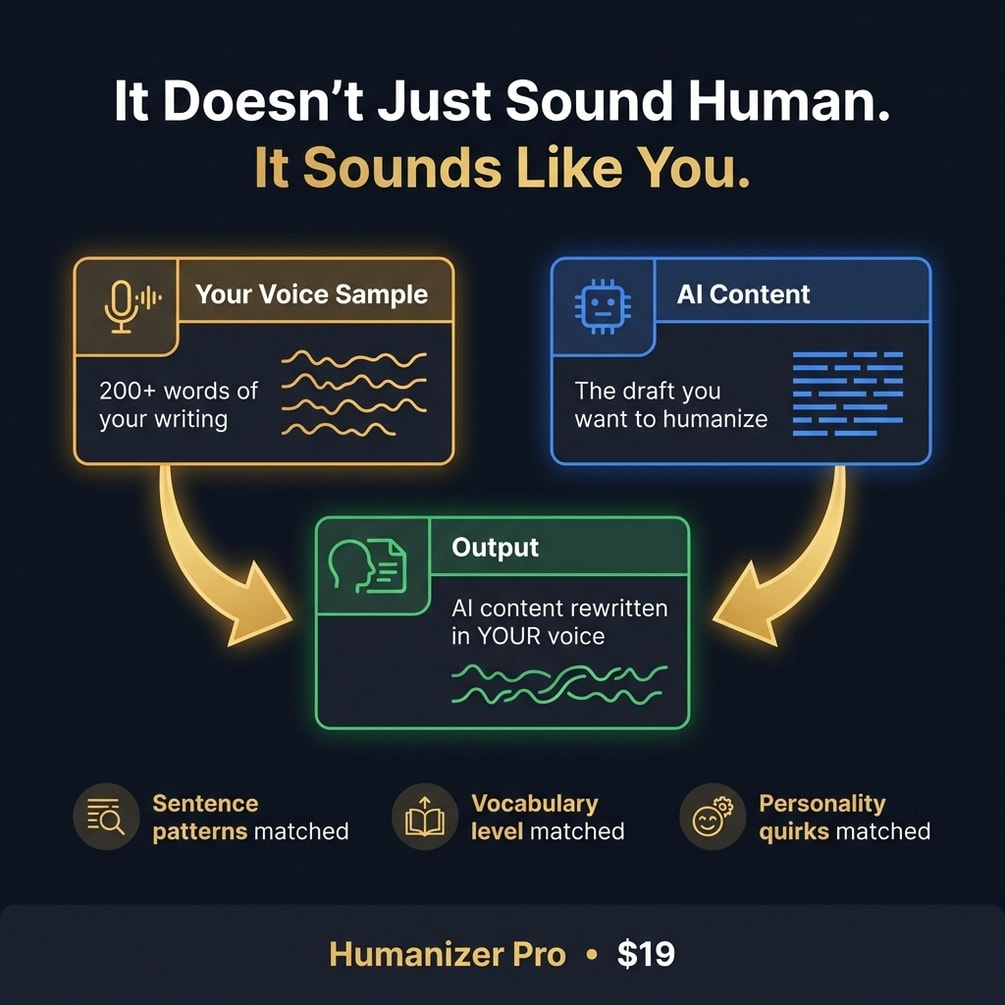
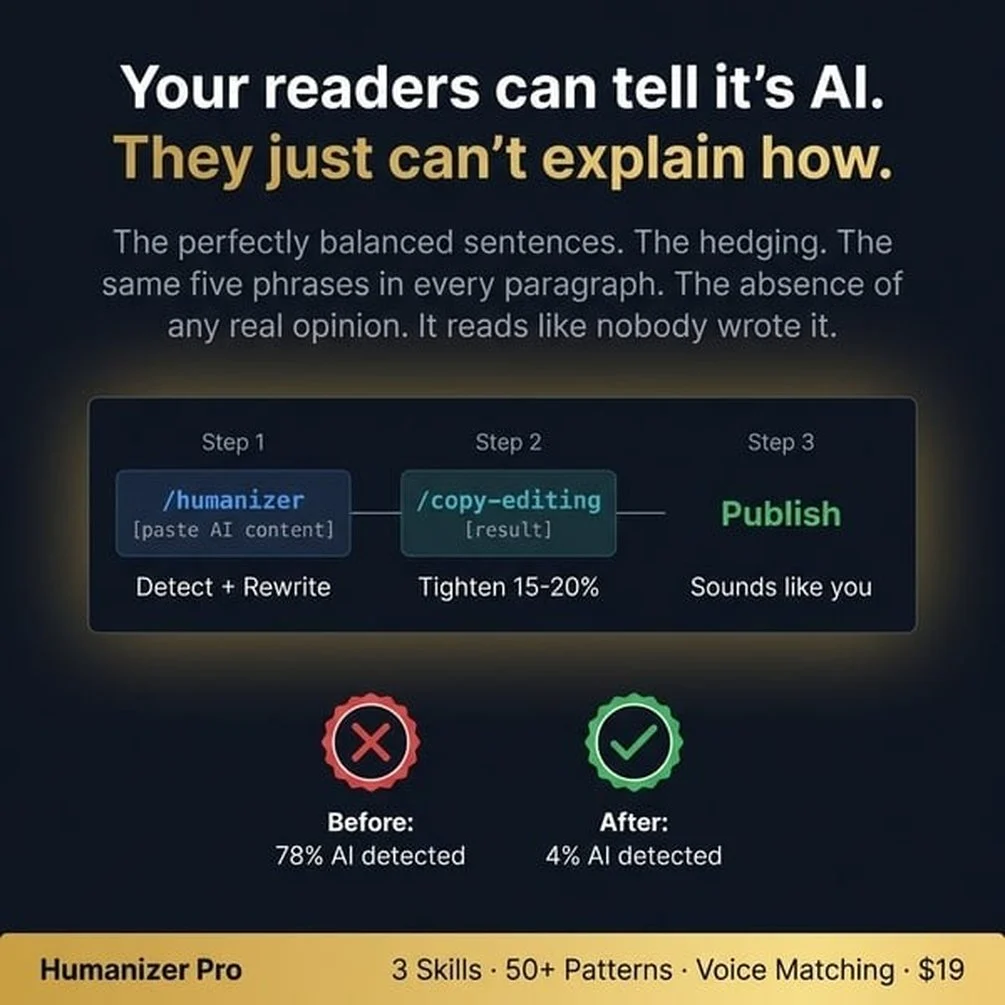
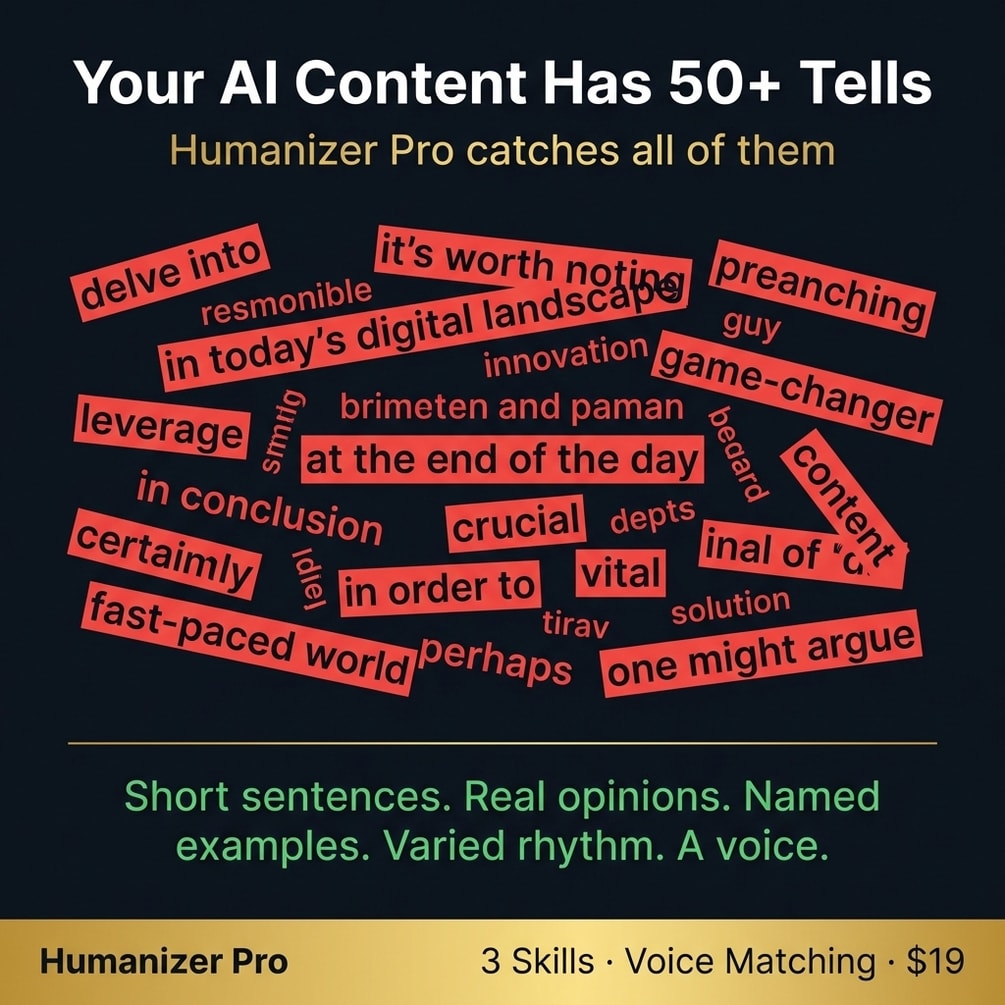
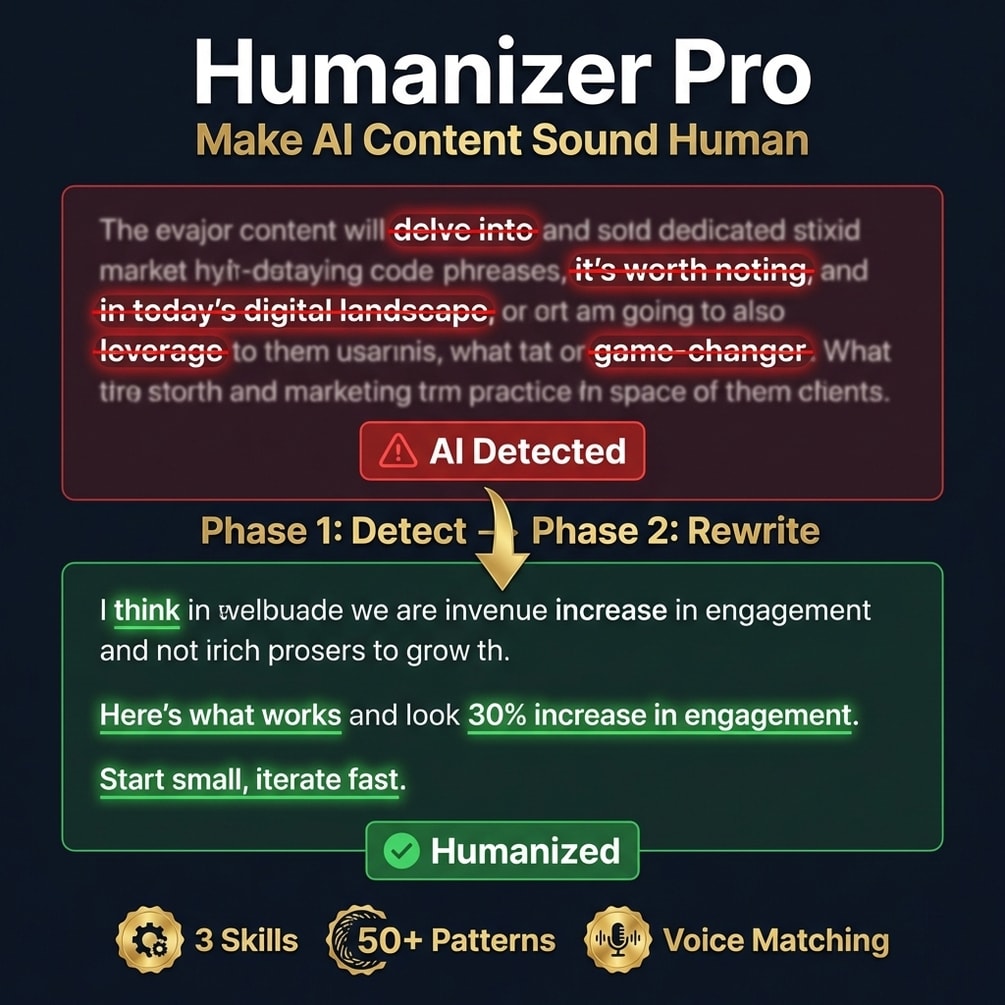
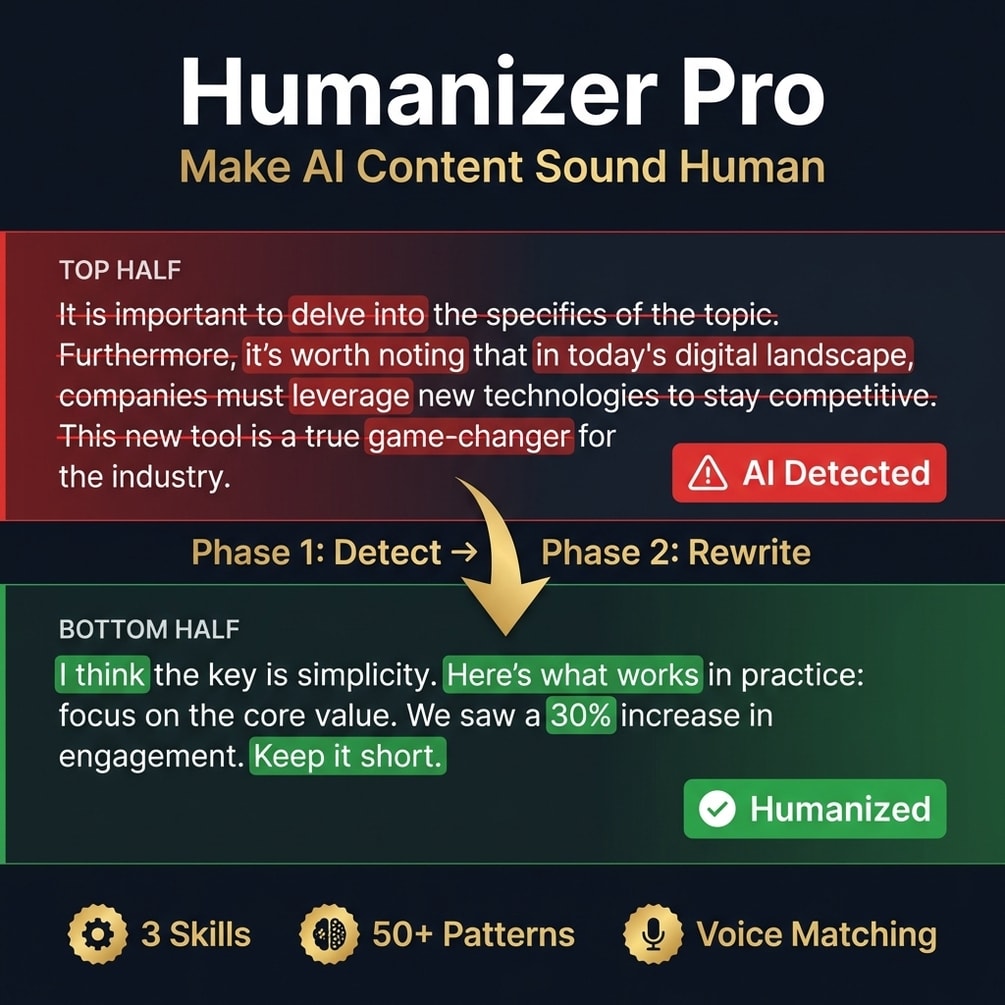
Know the passes but short on hours? Humanizer Pro runs them on your draft and highlights each change.
Get Humanizer Pro, $9 one-time// side by side
By hand vs a generic AI prompt vs Humanizer Pro
The edit is the same in all three columns: cut the stock phrases, fix the rhythm, add your own voice. What changes is how long it takes, how many tells slip through, and whether you can see what was changed.
| Criterion | By hand | Generic AI prompt | Humanizer Pro |
|---|---|---|---|
| Time per 1,000 words | I have not timed it, so no number here | Fast, but you check the result line by line anyway | No timed run published yet |
| Stock phrases caught | The ones you remember on that day | Often swaps one stock phrase for another | Checked against a written list of banned phrases and patterns |
| Sounds like you | Yes, if you have the time | Rarely; it writes in its own default voice | Closer, using 200 or more words of your past writing as a guide |
| See what changed | Only if you track changes yourself | No; you get a new draft, not a list of edits | Yes; changes are highlighted, with notes on why |
| Facts and claims kept | Yes | Not always; numbers and names can drift | Meant to keep them; you still check the diff |
| Cost | Free, plus your hours | Your existing AI plan | $9 once, plus your Claude plan |
// in the download
What is inside Humanizer Pro
Humanizer Pro is a pack of three writing skills, a humanizer, a copy editor and a copywriter. The humanizer works from a written list of banned phrases and patterns, can match a sample of your writing and highlights what it changed.
- A humanizer skill that finds AI writing patterns and rewrites them
- A copy editor skill for a clean final pass on grammar and flow
- A copywriter skill for sales pages, emails and posts that need to persuade
- A banned phrase list plus structural patterns, such as same-length sentences and lists of three
- Voice matching that uses 200 or more words of your own writing as a sample
- A report of detected issues with a severity rating, then the rewrite with changes highlighted
- Usage examples for blog posts, social posts, email sequences and SEO articles
Who Humanizer Pro is for, and who should skip it
This pack fits people who draft with AI and then spend too long fixing the draft. It does not fit someone who wants a promise that no AI detector will ever flag their text.
It is for you if
- You draft with AI and then spend an hour making it sound like a person.
- You can spot the tells yourself, but fixing them eats your afternoon.
- You ghostwrite for a founder whose readers would notice a chatbot in one line.
- You publish several posts a week and hand editing each one no longer scales.
It is not for you if
- You write mainly in a language other than English. The rules are written for English and I have not tested other languages.
- You want a promise that no AI detector will flag your text. Detectors change often and no tool can promise that.
- You never draft with AI. If you write every word yourself, there is little to fix.
// frequently asked
Questions buyers ask
- Why does AI writing sound robotic?
- AI writing sounds robotic because the model picks the most likely next word, so it leans on safe stock phrases and even rhythm. You get sentences of the same length, lists of three and words like "delve" or "seamless" that real people rarely use in a normal email.
- What is the fastest way to make AI text sound human?
- The fastest way is to edit in passes instead of rewriting top to bottom. Cut stock phrases first, which takes minutes. Then read it aloud and fix the rhythm. Then add one specific detail from your own work. The last pass is the slow one, and the one that matters most.
- Will Humanizer Pro get my text past AI detectors?
- No tool can promise that, and this page does not. Detectors change often and make mistakes on human text too. Humanizer Pro is built to make the writing better and more like you. A lower detector score can follow from that, but it is not the goal and it is not guaranteed.
- Do I need coding skills to use Humanizer Pro?
- No coding is needed. You install the skills by copying three folders, then type /humanizer in Claude Code and paste your draft. You should be fine typing a short command in a terminal.
- Does it work with ChatGPT?
- Yes, with one step more. The three skill files are plain text with no scripts or tool calls, so you can paste one into ChatGPT or a Claude.ai project as instructions and then paste your draft. In Claude Code they run with one command, which is quicker.
- Is it a one-time payment?
- Yes, Humanizer Pro costs $9 once. There is no subscription. Gumroad sends the download right after you pay.
- Will it change my message or my facts?
- It is built to rewrite patterns, not content, so numbers, names and claims should stay the same. Read the highlighted changes and check every number before you publish, because you are the one who signs the text.
- Does it work in languages other than English?
- The phrase list, the rules and the examples are all written in English, so English is what it is built for. I have not tested it in other languages. You can try, but check the result with extra care, because stock phrases in another language are not on the list.
- What is the best prompt to make ChatGPT write like a human?
- A prompt that only says "write like a human" rarely works, because the model already thinks it does. Give it rules it can follow instead. List the words it must not use. Ask for mixed sentence lengths and no lists of three. Paste 200 or more words of your own writing as a sample. Then edit the result anyway, since a prompt cuts the tells but does not add your facts.
- Are free AI humanizers like Grammarly or QuillBot enough?
- Grammarly and QuillBot both offer free humanizers that rewrite a draft in one click. They can smooth tone and flow. What they cannot add is the line only you could write, such as a date, a number or a mistake you made. Use one as a first pass if you like, then do the fact check and the personal detail by hand.
Get Humanizer Pro
Humanizer Pro costs $9 as a one-time payment. You get an instant download, lifetime access to every v1 update, and no subscription.
// next problem
Related problems
- How to turn one blog post into a week of posts
Once your drafts sound like you, the next job is getting more mileage out of each one.
- How to structure a blog post AI will quote
Human tone helps readers trust you. Clear structure helps AI answers cite you.
// Also on this topic
- guideWhy do ChatGPT emails sound generic? A one-line prompt vs a real brief
ChatGPT gives you emails with the warmth of a parking ticket? Compare a one-line prompt with a four-part brief and see what is missing.
- guideThe client deliverable is due in an hour and AI wrote most of it. How do you check it fast?
Re-reading an AI draft top to bottom catches little. Check only the facts that would hurt if wrong, against a real source. Steps for the next hour.
- free toolAI writing checker
Five style tells flagged by position, each with the editorial fix.