Last updated
I automated my admin, but I keep checking if it actually ran. Is that normal?

Between the edit and lunch, you open the folder again
It worked. The replies go out. The reminders send. You did the thing you wanted.
So why are you checking the folder again?
You open it between tasks. You log in to make sure the invoice posted. You refresh the inbox to see if the auto-reply went. It always went. You check anyway.
And then it lands. I automated the work and replaced it with watching the work.

Why a nicer dashboard makes it worse
The usual fix is a dashboard. A screen with every number on it, all green. It looks like control.
It is the same problem with a nicer font. Every green tile is a thing you glance at and dismiss. Twenty tiles is twenty tiny choices before lunch. The fact that they all say "fine" does not help. You still had to look to learn it.
Here is the test. Does this reach out to me, or do I have to reach out to it? Anything you have to go and look at is a chore in disguise, no matter how pretty it is.
I think this is the trap that catches the most careful people, because the checking feels like being responsible.

Silence should mean fine
The shift in the book is from watching to being told. A working system owes you three answers.
What ran. Proof the routine fired. You will almost never read it. It sits in a quiet log for the day you wonder.
What failed. Something broke with real cost. This one comes to you, right away. A failure you have to find has been live for hours.
What needs a human. A request outside your offer. A case the brief did not cover. This is the good kind of ping. The system reached its edge and stopped.
Two of the three push to you. One waits. You never scan.
Be strict about the word "failed." Nadia, the wedding photographer in the book, first put six things in her loud list, including "reply took longer than ten minutes." Within two days she was swiping alerts away unread. So she cut it down. By the end of the week, failed meant one thing: money or a date at risk.

Count your peeks and watch the number fall
The settings are the easy half. Trusting the quiet is the hard half.
Every time you check a quiet system and find it fine, you don't calm yourself. You teach yourself that silence was not enough. You feel better and you got worse.
So give the habit a number. Nadia kept a tally in the margin of her shot-list notebook. Eleven checks in week one. All fine. Five in week two, and she noticed they came in the gaps, the dead ten minutes between an edit and a meal. The machine is fine, she wrote. I'm the one still adjusting.
By week three she shot a whole wedding with her phone in her bag. She did not plan it. She just forgot to check.
You are far from alone in this. The US Census Bureau shows businesses with no staff have grown faster than those with staff for over a decade. More of us are running systems with nobody else to watch them.

Where to look the one day you do wonder
The quiet log does not have to be something you build. Most automation tools keep one for you.
- Zapier lists every run on its Zap history page, with a status for each, such as success, filtered, held or stopped. Zapier says it can promise only 60 days of run data there, so export it if you need a longer record.
- Make keeps a History tab on each scenario, with the time, status and length of every run. You can open the details of one run to see what each step returned.
That is your "what ran" list. Open it on the day you truly wonder, not on a schedule.
Now the loud half. In Zapier, error emails go to your account email by default, and you can set how often they come under Settings, then Notifications. The options run from Immediately to Never. Zapier advises against Never. Keep the ones that matter set to Immediately, and send them to the one place you use for nothing else.
A green run only means the steps fired. It does not mean the email said the right thing. That is the draft check from the section below, and it is a different job.

Why you can trust a quiet system, but not a quiet draft
One honest note. Quiet works for "did it run." It does not work for "is it right." A draft can run perfectly and still quote the wrong price.
The Harvard and BCG study of 758 consultants found AI stays confident past the edge of what it can do. So keep a short check on facts in drafts. That is a separate job, and it is in what to check in AI drafts.

The chapter in The Leverage Stack that ends the watching
This is the problem The Leverage Stack was written for.
Chapter 7, The Dashboard, gives you the three lists, how to tune what gets loud, the habit of trusting silence, and the One-Screen Ops Dashboard, filled in for one of Nadia's real weeks.
Chapter 6, The Handoffs, comes first if you are still the one carrying work between tools. Read why the business stops on a day off for the fast version.
The dashboard page is in the free workbook.
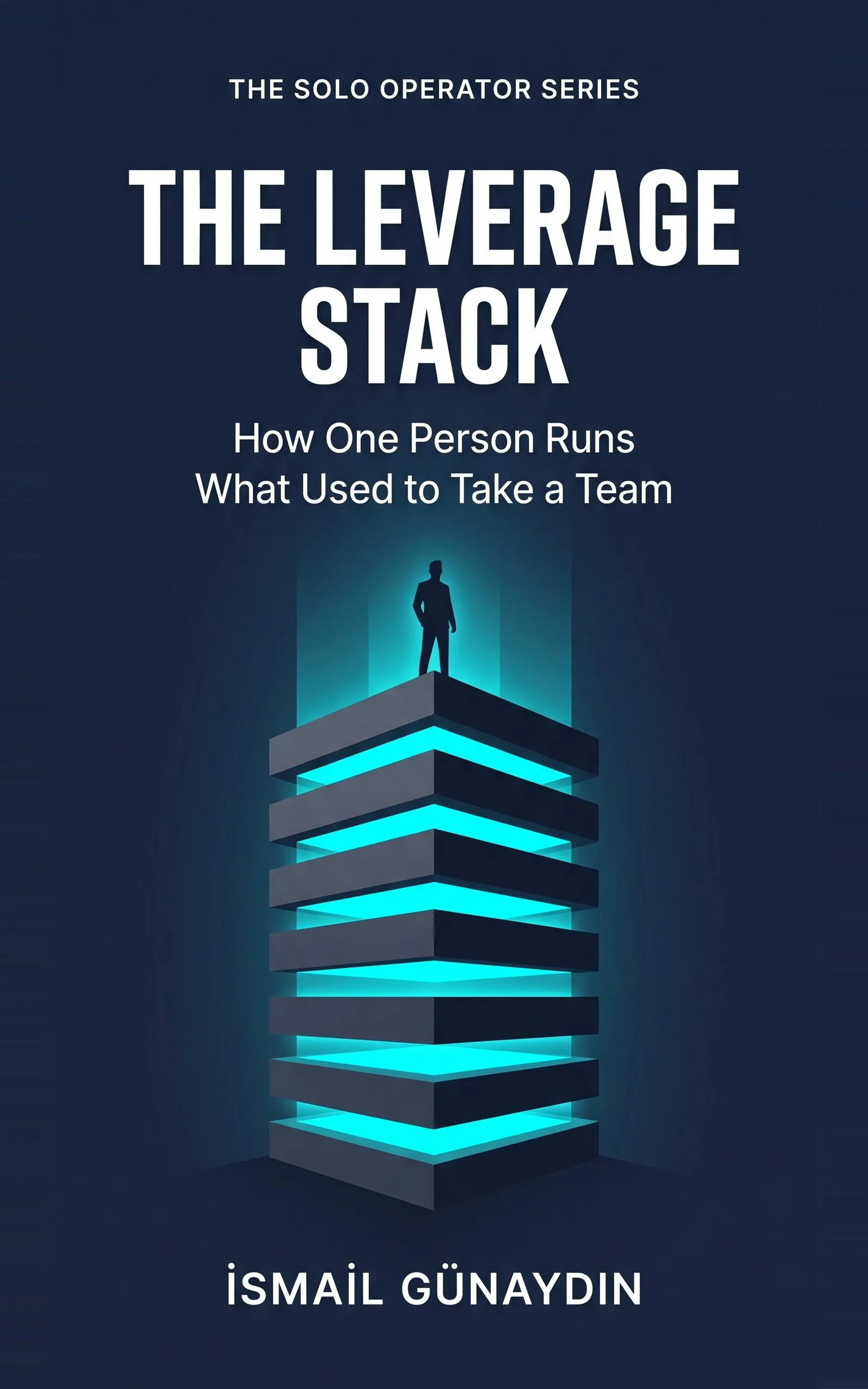
The book for this problem
The Leverage Stack
How One Person Runs What Used to Take a Team. By İsmail Günaydın, 80 pages.
Where this problem is in the book:
- The Dashboard
- The Handoffs
Links go to Amazon. I wrote this book and earn a royalty on every sale. Amazon sets the price and handles delivery and returns.

Is The Leverage Stack the right book for you?
Yes, if
- You set up automations or AI routines and now check them many times a day
- You get so many alerts that you swipe them away without reading
- You feel more tired after automating than before
Skip it if
- You have not automated anything yet
- You want a big live dashboard full of charts
Fair doubts before you buy
Isn't checking just being careful?
Careful would be one look on the day you wonder. Ten looks a day that find nothing is a new job. Worse, each check that finds all fine teaches you that silence is not enough, so you trust the system less, not more.
What if I miss something important by not checking?
That is what the loud lists are for. A failure, like a declined card, pings you the moment it happens. In the book, a bounced payment was flagged at 9:12 in the morning instead of found a week later. Checking by hand is slower than a good alert.
Why would I need a book for this? It sounds like a settings change.
The settings part is small. The hard part is deciding what counts as a failure, and then trusting the quiet. The chapter covers both, including the mistake of putting too much in the loud list until you mute it.
Get The Leverage Stack
You are not disorganized, you are the bottleneck: eight layers catch the work that does not need your judgment, so only real decisions reach you.
Links go to Amazon. I wrote this book and earn a royalty on every sale. Amazon sets the price and handles delivery and returns.
Part of The Solo Operator Series, five short books that can be read in any order.

Questions people ask about this
- How do I know my automations are working without checking?
- Make them tell you when they break. Every success goes to a silent log. Every real failure pings you. If nothing has pinged, it worked. The day you truly wonder, you open the log once.
- Why do I feel anxious after automating my business?
- For years the only proof that the work happened was watching it happen or doing it yourself. Now you are asked to trust an absence of bad news, and that feels thinner than good news. It is a habit, and habits fade when you stop feeding them.
- What should trigger an alert in a small business?
- Only two things. Something broke with real cost, like a payment that bounced or a contract that did not send. Or something needs your judgment, like a request outside your usual offer. A slow reply is not a failure. A busy day is not a failure.
- How do I stop alert fatigue?
- Make the rarest things loudest, not the most important. Everything feels important, so that rule makes everything loud. An alert that fires twice a week still means something. One that fires forty times a day is wallpaper by Wednesday.
- Is it bad if my system keeps asking me to decide things?
- No. A 'needs a human' ping is the system working well. It hit the edge of what a rule can decide and stopped instead of guessing. If that list is always empty, be suspicious. The system may be guessing on calls that should be yours.
- How can I see if an automation actually ran?
- Look in the tool's own run log, not in the inbox it writes to. Zapier shows every run on its Zap history page, and Make has a History tab on each scenario. Both show a status for each run. Then let the tool email you when a run fails, so you only open the log on the rare day you wonder.
Related problems
- My business stops when I take a day off. What can I set up before I go?
Taking a day off and dreading the pile when you come back? Here is what to switch on first so the routine work keeps moving without you.
- How to stop checking everything AI writes: what to check, what to skip
Re-reading every AI draft saves you no time. Check the few things AI gets confidently wrong, skip the rest, and ship with a 30-second gate.
- If AI does most of my work, what is left of me? What should I never hand to AI?
Worried that handing work to AI will make you replaceable? Here are the four things to keep, the test for each, and how to draw the line.
- You run a one-person business and you can't keep up. Here is what is actually broken.
Working more hours won't fix a one-person business that is behind. Find the tasks that only pass through you out of habit, then hand them off.
- Everything inside The Leverage Stack
Every chapter, who the book is for, and every problem it helps with.