Last updated
Claude Code changed files it shouldn't have. What to do right now

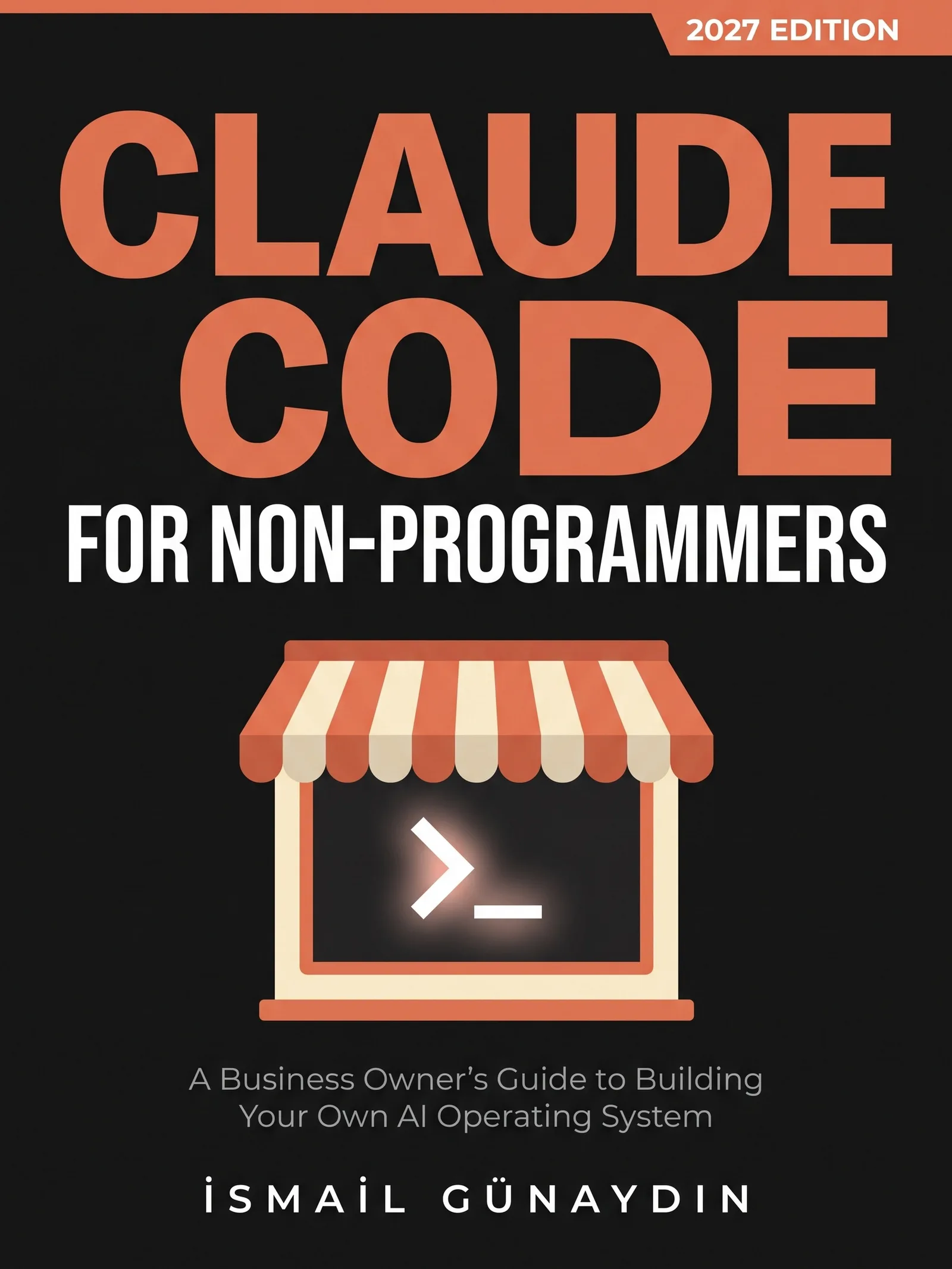
The book for this problem
Claude Code for Non-Programmers
A Business Owner's Guide to Building Your Own AI Operating System (2027 Edition). By İsmail Günaydın, 355 pages.
Where this problem is in the book:
- Safety and Failure
- Permissions and Modes
- A Team of Agents
Links go to Amazon. I wrote this book and earn a royalty on every sale. Amazon sets the price and handles delivery and returns.
Do this first, in this order
- Stop it. Interrupt the session. Don't let it "fix" its own fix.
- Switch to Manual. Press Shift and Tab until the status line says manual. Now nothing runs without your yes.
- Rewind this session. Press Esc twice, or type
/rewind. Pick a point from before the change. This covers file edits made in this session. - Using git? Go back a step. Ask: "Show me the commits since last Monday. Restore the project to the one I choose." Pick it yourself.
- See who did it. Ask: "Run git reflog and show me the last 20 lines. Explain each line in plain words. Change nothing."
- Check online actions. Did it send, publish or change something on a website? No undo button covers that. Fix it at the service now.
- Check with your eyes. Open the files that matter. Don't trust "restored" until you've looked.
The checkpointing page in the official docs lists exactly what rewind can and can't bring back.

Which rewind option to pick
When you press Esc twice (with the input box empty) or type /rewind, you get a list of the prompts you sent in this session. Pick the one from just before things went wrong. Then the checkpointing docs list these choices:
| Option | What it does | Pick it when |
|---|---|---|
| Restore code and conversation | Puts the files and the chat back to that point | You want a clean do-over |
| Restore code | Puts the files back, keeps the chat | You want Claude to remember what went wrong |
| Restore conversation | Rewinds the chat, leaves the files as they are now | The files are fine, the chat went off track |
| Never mind | Closes the menu, changes nothing | You picked the wrong point |
There are also two summarize options. They shrink the chat to save space and do not touch your files. If the code options are missing, Claude made no tracked file edits after that point.

What rewind cannot bring back
Rewind only knows about edits Claude made with its own file editing tools. The docs list the gaps:
- Files changed by terminal commands. If Claude deleted, moved or copied files with a command like
rm,mvorcp, rewind cannot undo it. Agit stashlike the one in my story below is also a command. Use git or your backup for these. - Edits made by helper agents. Rewind restores only files Claude had already edited in your own conversation. Anything else a helper agent changed stays changed. Use git.
- Changes from outside the session. Your own edits in another program, or another Claude session working in the same folder, are normally not tracked.
- Linked files. Files that are links to other files are skipped, and Claude Code tells you how many it skipped.
- Old sessions. Claude Code keeps snapshots for the 100 most recent checkpoints in a session, and deletes them about 30 days after the session last saved one.
That list is why the book gives you three undo buttons, not one.

Your folder just jumped back in time
You were in the middle of work. You open a file and it's the version from days ago. Or a dozen files are renamed. Nobody said yes.
Breathe. Most of the time, this is recoverable in minutes. The steps above are ordered from cheapest to biggest.

The helper that was told not to touch anything
In July 2026 I sent a review agent to check the code on one of my sites. The prompt said, in capital letters, READ-ONLY, do NOT edit.
It wanted to compare today's code with an older save point. So on its own it ran git stash, which tucks away unsaved changes and puts the files back to the last save. Then git stash pop to bring them back. To the agent, that was reading. It hadn't edited a single file.
But my main session was editing those same files at that moment. The whole folder jumped back in time, and for a few minutes nobody knew who had reset it.
The fix was two things. Every reviewer prompt now names each banned git command one by one. And reviewers get a tool list that takes the terminal away, so they can't run git at all. A sentence in a prompt is advice. A tool list is a lock.
On September 18, 2026, it was worse. A whole other website's files turned up inside one of my projects, about 1,500 untracked files and 370 tracked ones. Two AI tools had worked on the same disk. Git restored every tracked file in seconds. One local settings file had never been in git, and it was gone for good. Git only protects what's committed.

The chapters for the next time
This is the problem Claude Code for Non-Programmers was written for. The book is independent and is not affiliated with Anthropic.
Safety and Failure gives you the three undo buttons, a daily git routine of three lines, a weekly health check and a card called "Which undo do I need?" to tape by the screen.
Permissions and Modes sets Manual as your default and adds deny rules that hold in every mode. The permissions page is the source.
A Team of Agents has the reviewer rules and a helper file that truly can't write. Once the panic is over, read checking an agent's report before you act.

Is Claude Code for Non-Programmers the right book for you?
Yes, if
- Files just changed and you never said yes
- A helper you told to only look around moved things anyway
- Your folder suddenly looks like it did days ago
Skip it if
- Your computer died or the disk failed; that needs your backup copy
- You want a git course; this page is the emergency version
Fair doubts before you buy
I told it in capital letters not to edit anything. How did this happen?
Words in a prompt shape behavior. They don't enforce anything. What a helper can do is set by its tool list and your permission rules, which Claude Code enforces itself. A helper that still has the terminal can run commands that move files without editing a single one.
Do I need git to recover?
Not for changes in this session. Esc twice or /rewind handles those. Git is the undo for last week, and a copy off the machine is the undo for a dead laptop. The book sets up all three, starting with the cheapest.
Get Claude Code for Non-Programmers
A business owner who has never opened a terminal can give Claude real jobs on real files, safely, using one working system including the parts that broke.
Links go to Amazon. I wrote this book and earn a royalty on every sale. Amazon sets the price and handles delivery and returns.
This book is independent and is not affiliated with or endorsed by Anthropic.

Questions people ask about this
- How do I undo changes Claude Code made?
- Press Esc twice, or type /rewind, and pick a point to go back to. Claude Code takes a snapshot of each file before it edits it. Snapshots cover file changes only, skip linked files, and are separate from git.
- Can /rewind undo something Claude sent or published?
- No. Checkpoints can't undo anything outside your computer: a message sent through a service, a database change or a website you published. Fix it at the service. Next time, put that action on your ask list so Claude must stop first.
- How do I find out what changed my files in git?
- Ask Claude: "Run git reflog and show me the last 20 lines. Explain each line in plain words. Change nothing." Reading the reflog changes nothing. A line saying reset: moving to HEAD right after your work can mean someone ran git stash.
- How do I stop Claude Code editing files without asking?
- New sessions start in auto mode. Press Shift+Tab until the status line says manual, and set "defaultMode": "default" in ~/.claude/settings.json so every session starts that way. Add deny rules for folders that must never change.
- Can I undo Claude Code changes after I closed the session?
- Often, yes. Checkpoints are saved with the conversation. Start Claude Code in the same folder and run claude --continue to reopen the last session, or claude --resume to pick one from a list. Then type /rewind. Snapshots are deleted about 30 days after the session last saved one, and changes made by terminal commands were never tracked, so use git for those.
- Why did /rewind not bring back a deleted or moved file?
- Rewind tracks only the edits Claude makes with its file editing tools. If a file was deleted, moved or copied by a terminal command such as rm, mv or cp, there is no checkpoint for it. Restore it from git if it was committed, or from your backup copy. Edits made by helper agents can also slip past rewind.
Related problems
- How to make Claude Code ask before it changes your files
New Claude Code sessions start in auto mode and don't ask. The six modes in one table, how to make Manual your default, and the locks no mode can skip.
- The AI agent's report looks perfect. Should you trust it before you act?
Agent reports sound sure and are often wrong both ways. Why it happens, where invented facts hide, and a three-step check before you fix anything.
- Can you paste an API key or client data into Claude Code? Where secrets go instead
A pasted key is saved in a plain text file. Where keys and client records go instead, the deny rules that lock them, and what to do after a leak.
- Everything inside Claude Code for Non-Programmers
Every chapter, who the book is for, and every problem it helps with.