Last updated
My robots.txt is blocking GPTBot and other AI crawlers. How do I fix it fast?
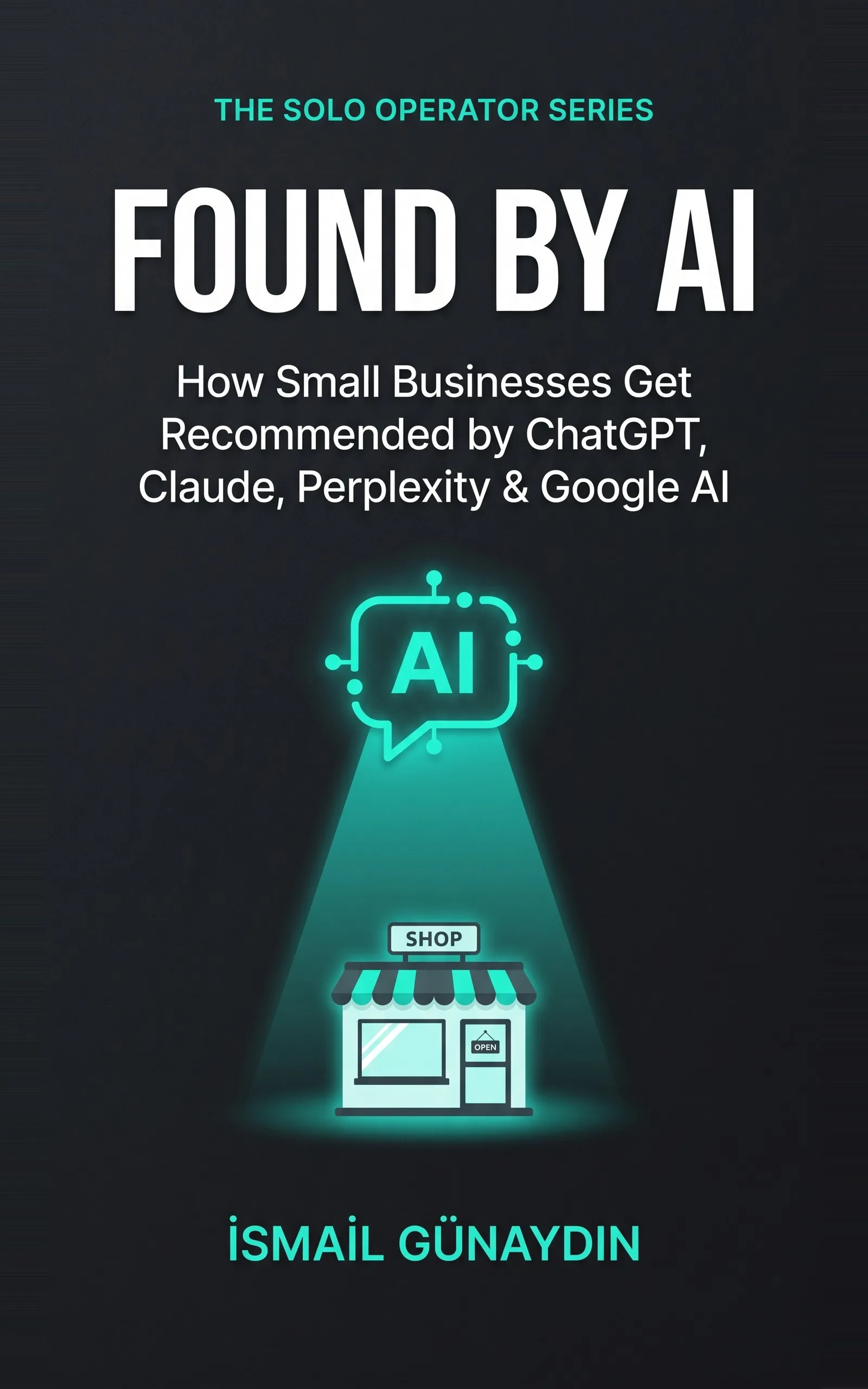
The book for this problem
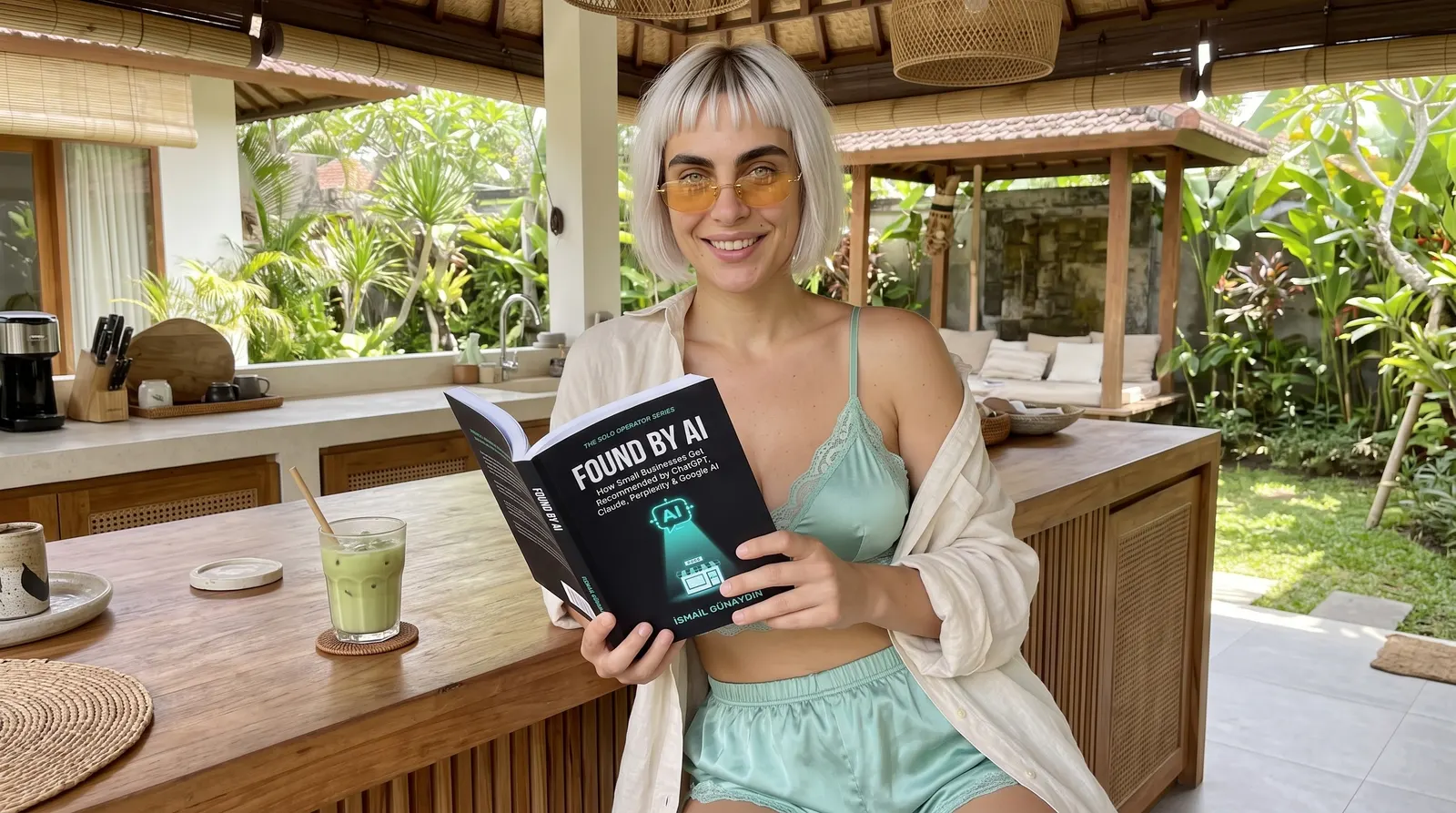
Found by AI
How Small Businesses Get Recommended by ChatGPT, Claude, Perplexity, and Google AI. By İsmail Günaydın, 70 pages.
Where this problem is in the book:
- Can I Even Find You?
- Introduction: The New Front Door
Links go to Amazon. I wrote this book and earn a royalty on every sale. Amazon sets the price and handles delivery and returns.
Open the door in five minutes
Do these in order. You don't need a developer.
- Read the file. Type yoursite.com/robots.txt into your browser. Look for lines that name GPTBot, ClaudeBot, Google-Extended or PerplexityBot with "Disallow" under them. If you'd rather not read it by eye, the free AI crawler checker does it for you.
- Find who wrote it. Check your privacy plugin, your theme settings and any other plugin for a box like "block AI scrapers" or "block AI training." If none of those, a past developer may have added the line by hand.
- Turn it off for the search crawlers. Untick the box, or delete the line.
- Reload and confirm. Open robots.txt again. The Disallow line for the AI bot should be gone.
That is the door. Now make sure there is something behind it.
Search bots and training bots are not the same bot
Most AI companies now run separate bots for separate jobs. One bot reads pages so the AI can name and link you in answers. Another gathers text to train future models. You can let the first in and keep the second out. Here is the list from each company's own docs, checked on 2026-10-21.
| Company | Bot that finds you for answers | Bot that gathers training data | Bot that fetches a page a user asked for |
|---|---|---|---|
| OpenAI | OAI-SearchBot | GPTBot | ChatGPT-User |
| Anthropic | Claude-SearchBot | ClaudeBot | Claude-User |
| Perplexity | PerplexityBot | None listed | Perplexity-User |
| Googlebot (Google Search) | Google-Extended (Gemini) | None listed |
Sources: OpenAI, Anthropic, Perplexity, Google.
A few things the docs say that matter here:
- OpenAI says sites that block OAI-SearchBot are not shown in ChatGPT search answers. Blocking GPTBot only means your pages should not be used for training.
- Anthropic says blocking Claude-SearchBot stops your content being indexed for its search, and blocking Claude-User stops Claude fetching your page when a user asks.
- Perplexity says PerplexityBot is not used to train AI models, and it recommends allowing it.
- Google says Google-Extended does not affect your inclusion in Google Search and is not a ranking signal.
- OpenAI and Perplexity both say their user-triggered fetchers may not follow robots.txt, because a person asked for the page.
A robots.txt that allows AI search but blocks training
If you want to be found in AI answers but keep your pages out of training, the lines look like this. Each block names one bot.
User-agent: OAI-SearchBot
Allow: /

User-agent: Claude-SearchBot
Allow: /

User-agent: PerplexityBot
Allow: /

User-agent: GPTBot
Disallow: /

User-agent: ClaudeBot
Disallow: /

User-agent: Google-Extended
Disallow: /
This is a choice, not a rule. If you are happy for your pages to be used in training too, you can leave the training bots allowed. The point is to choose on purpose, instead of letting a plugin choose for you.
Two other places a block can hide
A catch-all line. Look for User-agent: * with Disallow: / under it. The star means every bot that has no block of its own. Under the robots.txt standard (RFC 9309), a bot follows the group that names it, and falls back to the star group if none does. So one line meant for scrapers can turn away every AI search bot you never named. Give the bots you want their own block with Allow: /.
Your host or firewall. Some services block AI bots before they ever reach robots.txt. Cloudflare, for one, has a setting that blocks AI training bots in its security settings (Cloudflare docs). If your robots.txt looks clean and bots still can't get in, check your host's bot or firewall settings.
Also remember that robots.txt is a request, not a lock. Well-behaved bots follow it. It cannot force a bad one to stay out.
The door is open. Is the room empty?
An open door to an empty page is still nothing. So run the other three checks from the book while you are here.
View the source of your homepage, the raw page before your browser builds it. Search it for a real sentence about your business. If your words are not there, your template may be building the page with scripts the bot does not run. Many templates have a setting to serve the main content as plain HTML. Turn it on.
Next, try to select your services and tagline with your cursor. If the cursor slides over them, they live inside an image. The bot can't read a picture of words. Write them out as real text.
Last, read the page with every photo and color stripped away. Does a plain sentence say what you do, who for and where? If not, add one near the top.
The box you ticked a year ago
It happens like this. There was a scare about AI copying websites. You found a toggle that said "block AI" and you flipped it. It felt safe.
Then, months later, a client says he asked ChatGPT for someone like you, and it never named you. You never connected the two.
That is almost exactly what happened to Priya, the bookkeeper in the book. Her privacy plugin had added a GPTBot Disallow line when she ticked "block AI training." She turned it off, reloaded the file, and the line was gone. Five minutes. She had meant to block scrapers. She had blocked the only channel that was growing.
And it is growing. BrightLocal's 2026 research found the share of people using AI to find a local business jumped from about 6% to about 45% in a year. Meanwhile, when Google shows an AI summary, people click a normal link only about 8% of the time (Pew Research Center). If the bot can't read you, you miss the answer and the click.
Skip the password file
While you are in there, someone will tell you to add an llms.txt file too. The book is blunt about it. Google's own engineers said they don't use it and compared it to the long-dead keywords meta tag. I would spend that hour on the plain text of your homepage instead.

The full access check, and what comes after the door
This is the problem Found by AI was written for, and it starts right here at the door.
Chapter 1, Can I Even Find You?, gives you the AI Crawler Access Check, the four tests above in a one-page sheet. You watch Priya fail all four, then fix them in order, cheapest leak first, with before and after tables. It also covers the four ways a business hides from AI without meaning to.
The Introduction: The New Front Door explains why this matters now, and gives you a four-minute Snapshot to see if the AIs know you at all.
The free Found by AI workbook has the access check as a printable page. Once the door is open, read how AI decides which business to recommend for the next four checks.
Is Found by AI the right book for you?
Yes, if
- You just found Disallow lines for AI bots in your robots.txt
- You ticked a box to block AI and now wonder if it hurt you
- You built your site on a template and are not a developer
Skip it if
- You want to block every AI on purpose and stay out of AI answers
- You need a full technical crawl audit for a large site
Fair doubts before you buy
I blocked AI on purpose to protect my work. Was that wrong?
Not wrong, but it has a cost. The book points out that blocking AI training and allowing AI search are not the same thing, and many tools lump them together. If you want ChatGPT and Perplexity to name you, their crawlers have to be able to read you.
Is the robots.txt fix all the book covers?
No. It is the first of four checks in Chapter 1, and that chapter is the first of five. An open door is the floor. The rest of the book is about what the AI does once it is inside.
Get Found by AI
An AI names a business only after five quiet checks pass, and each check can be fixed with a one-page tool.
Links go to Amazon. I wrote this book and earn a royalty on every sale. Amazon sets the price and handles delivery and returns.
Part of The Solo Operator Series, five short books that can be read in any order.
Questions people ask about this
- How do I check if my robots.txt blocks AI crawlers?
- Type yoursite.com/robots.txt into your browser and read it. Look for any line that names an AI bot, such as GPTBot, ClaudeBot, Google-Extended or PerplexityBot, followed by Disallow. If you see one, that bot is being turned away.
- Why is my robots.txt blocking GPTBot when I never added it?
- Often a privacy plugin or theme added it. In the book, a bookkeeper named Priya found the GPTBot block came from her privacy plugin when she ticked block AI training. Other times a past developer added one line and nobody noticed.
- What are the names of the AI crawlers?
- OpenAI's crawler is GPTBot and Anthropic's is ClaudeBot. Google-Extended and PerplexityBot are others you will see. There are more than a dozen of these bots now, and each one reads your robots.txt before it reads your site.
- If I unblock AI bots, will ChatGPT recommend me?
- Not by itself. Unblocking is the first check, not the last. The AI still has to read real text on your page, tell what you do, trust you and find a clean sentence to quote. But a blocked bot reads nothing, so this fix comes first.
- Does blocking AI training also block AI search?
- It can. Many tools lump the two together, so one switch can do both. If you want to be found by ChatGPT and Perplexity, check what your setting actually blocks, and let their search crawlers in.
- How long after I fix robots.txt will AI bots read my site again?
- Give it about a day. OpenAI says it can take around 24 hours after a robots.txt change for ChatGPT search to adjust. Perplexity says up to 24 hours. Being read again does not mean being named the next day, though. That depends on the other checks: real text, a clear identity, trust and quotable answers.
Related problems
- ChatGPT doesn't recommend my business. It names three others instead. Why?
ChatGPT names your rivals and skips you. Here are the five checks an AI runs before it names a small business, and how to see which one you fail.
- How does ChatGPT decide which business to recommend? The five checks, in order
How ChatGPT, Perplexity and Google's AI pick which businesses to name: the five checks, in order, and where a small business should start.
- My website traffic dropped after Google AI Overviews started. What do I do this week?
Your Google clicks fell after AI Overviews arrived. Here is what changed, four steps to take this week, and what to stop wasting time on.
- Everything inside Found by AI
Every chapter, who the book is for, and every problem it helps with.